
You can share all your charts with your practitioner through either the app or through our user web portal (app.kindara.com).
Share your charts through the Kindara App
You can share your charts through the Kindara App, but privacy settings cannot be customized through the app.
Apple
- Tap More at the bottom right corner of any screen.
- Tap Share Kindara.
- Tap Share with Practitioner
- Type your practitioner's email address in the box that appears.
- Tap Share.
Android
- Tap the graph icon to open Chart view.
- Tap the 3 vertical dots in the upper right corner.
- Under Share all charts: tap With practitioner.
- Type your practitioner's email address in the box that appears.
- Tap Share.
Share your charts with the Kindara Web Portal
1. Go to https://app.kindara.com/ and sign in with the email address and password you used to create your Kindara account.
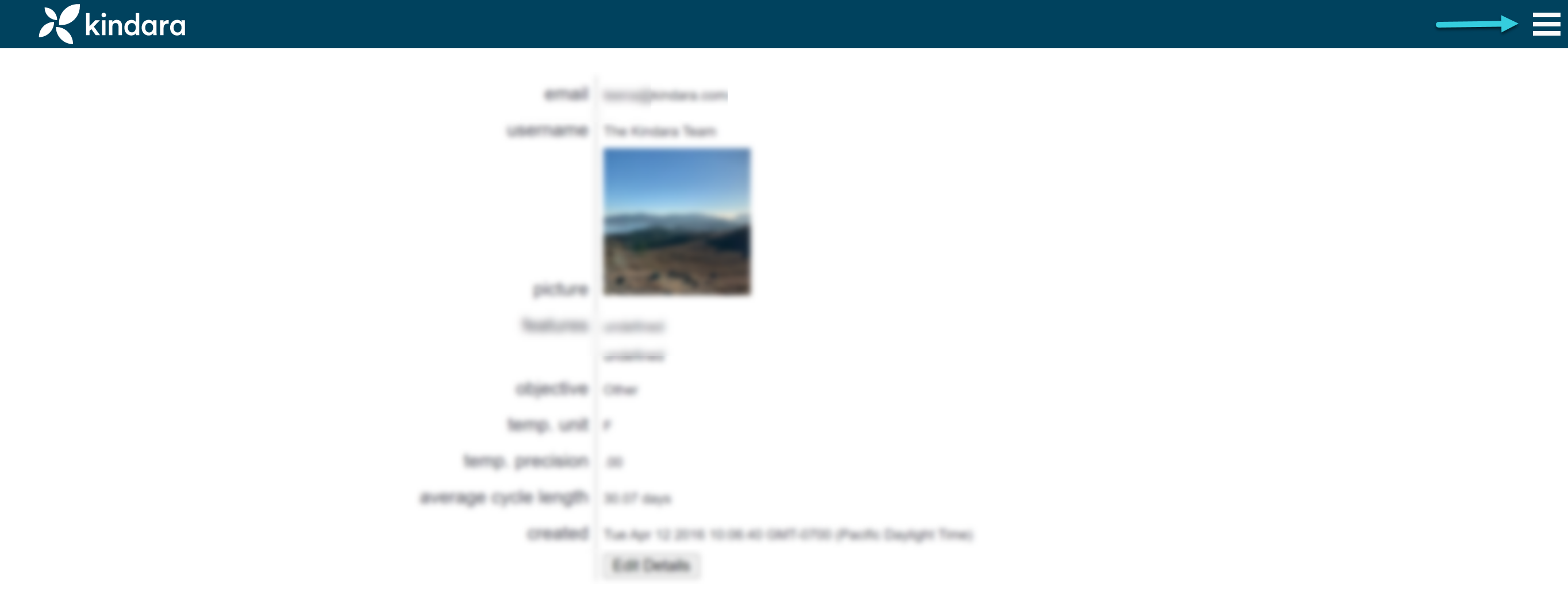
2. Click the Menu icon in the upper right corner.
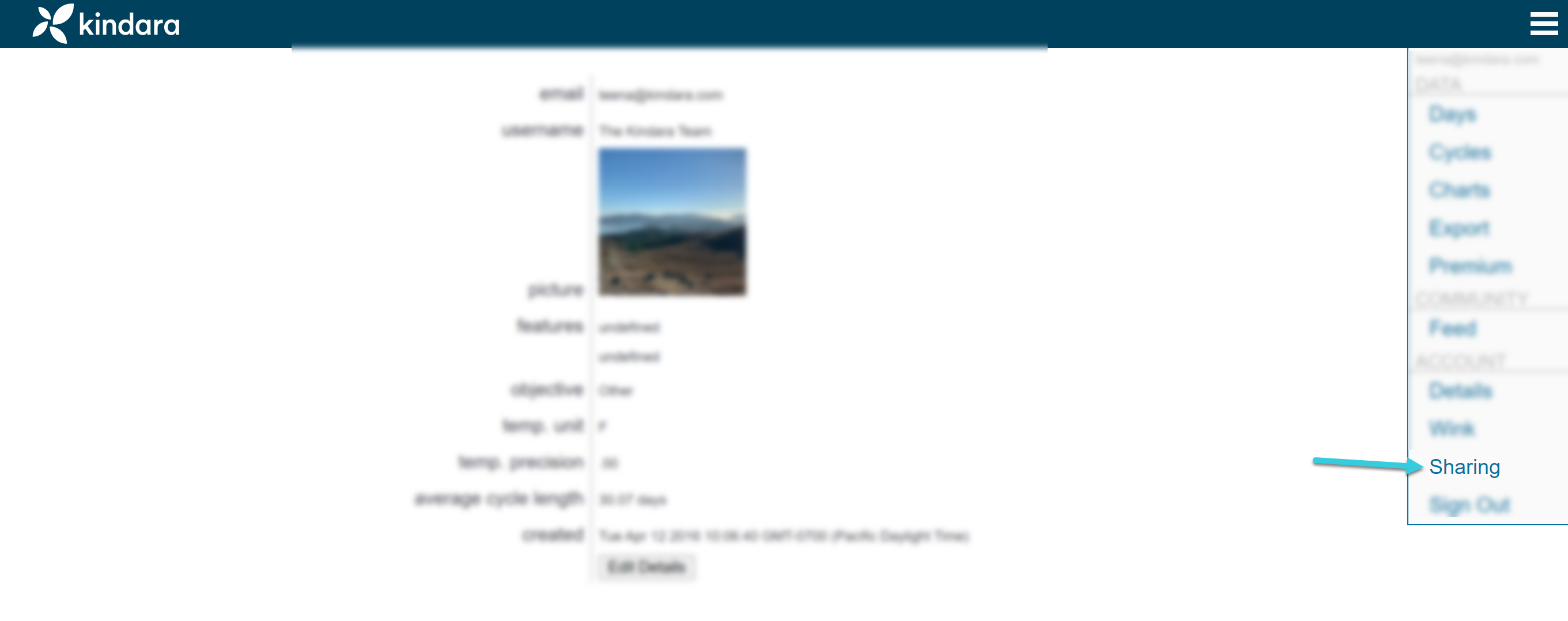
3. Click Sharing in the menu that appears.
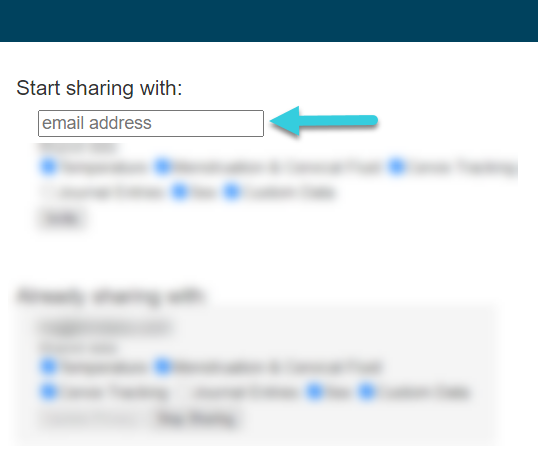
4. Type the email address of the person with whom you'd like to share your chart.
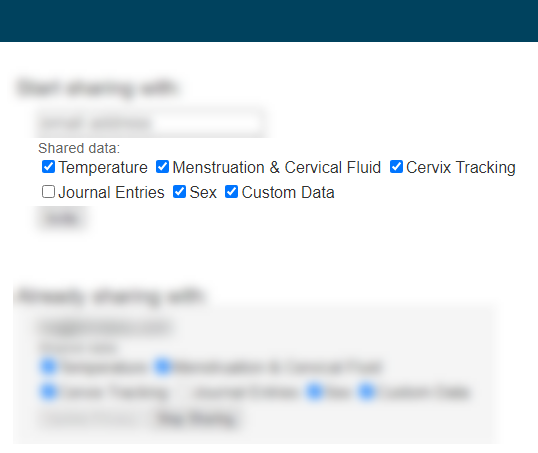
5. Check the boxes next to the data you'd like to share or uncheck the boxes next to the data you don't want to share.
6. Click the Invite button.
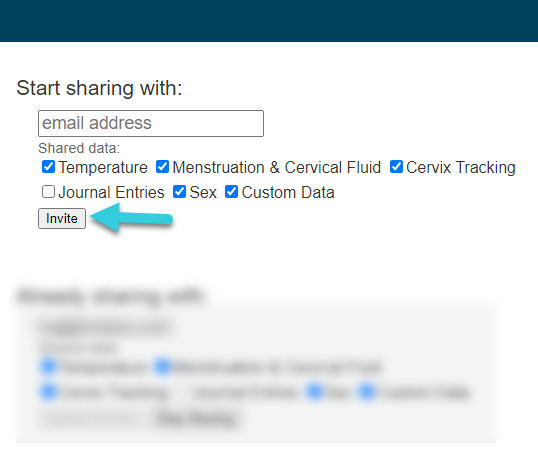
After you click the Invite button, a link will be emailed to the email address you entered. This link will prompt the Practitioner to either create a new account or sign in to an existing account.
Once you've sent an invitation, a new section My pending invitations will display invitations that have not been accepted and the date and time the invitation was sent. If your practitioner or partner says they can't see your charts, make sure their email isn't in this section.

To Unshare your Charts with a Practitioner
1. Go to https://app.kindara.com/ and sign in with the email address and password you used to create your Kindara account.
2. Click the Menu icon in the upper right corner.
3. Click Sharing in the menu that appears.
4. View Already Sharing With and locate the email you'd wish to "Stop Sharing":
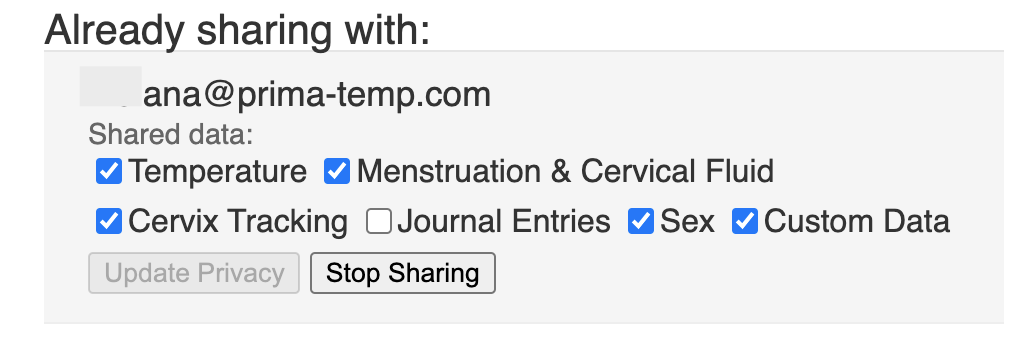
5. Click all the boxes you'd wish to unshare with the email address/ or select them all:
6. Click Stop Sharing