
When you first create a Kindara account, you'll be asked to enter your average cycle length. If you entered your average cycle length incorrectly, you can change it anytime during the first 2 cycles that you use Kindara by logging in to our user web portal (http://app.kindara.com/) with the email and password you used to create your Kindara account, go to the menu and select “Details”
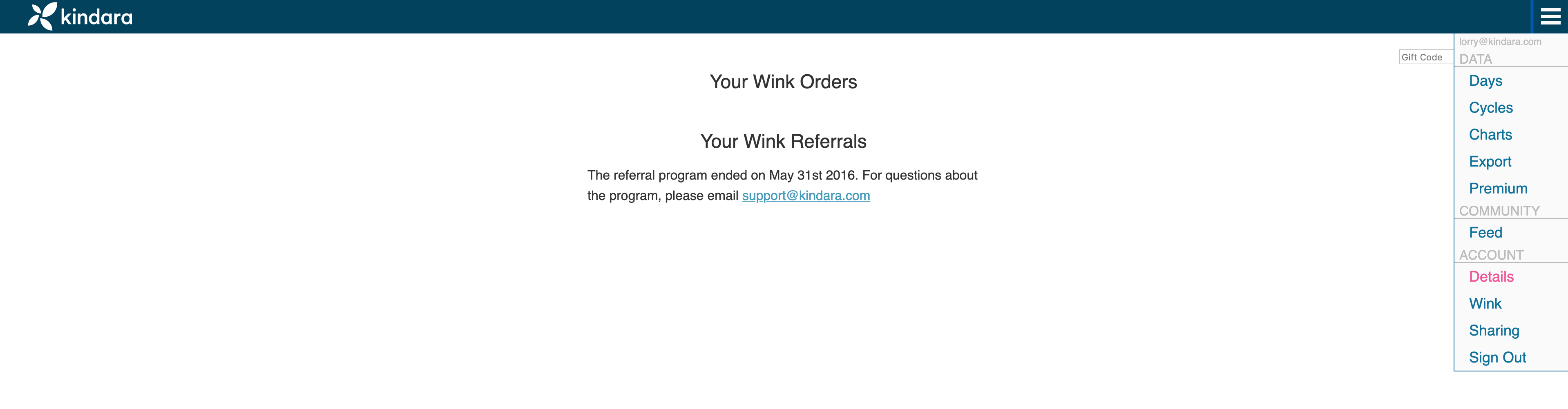
From there, click the “Edit Details”, update your average cycle length and save your changes. From there, you also have the ability to change your objective, temperature unit, and temperature precision.

After you've entered at least 3 cycles in Kindara, the app will calculate your average cycle length based on the actual data you've entered, rather than the average cycle length you entered at the beginning. So the more you use Kindara, the more accurate it will be.