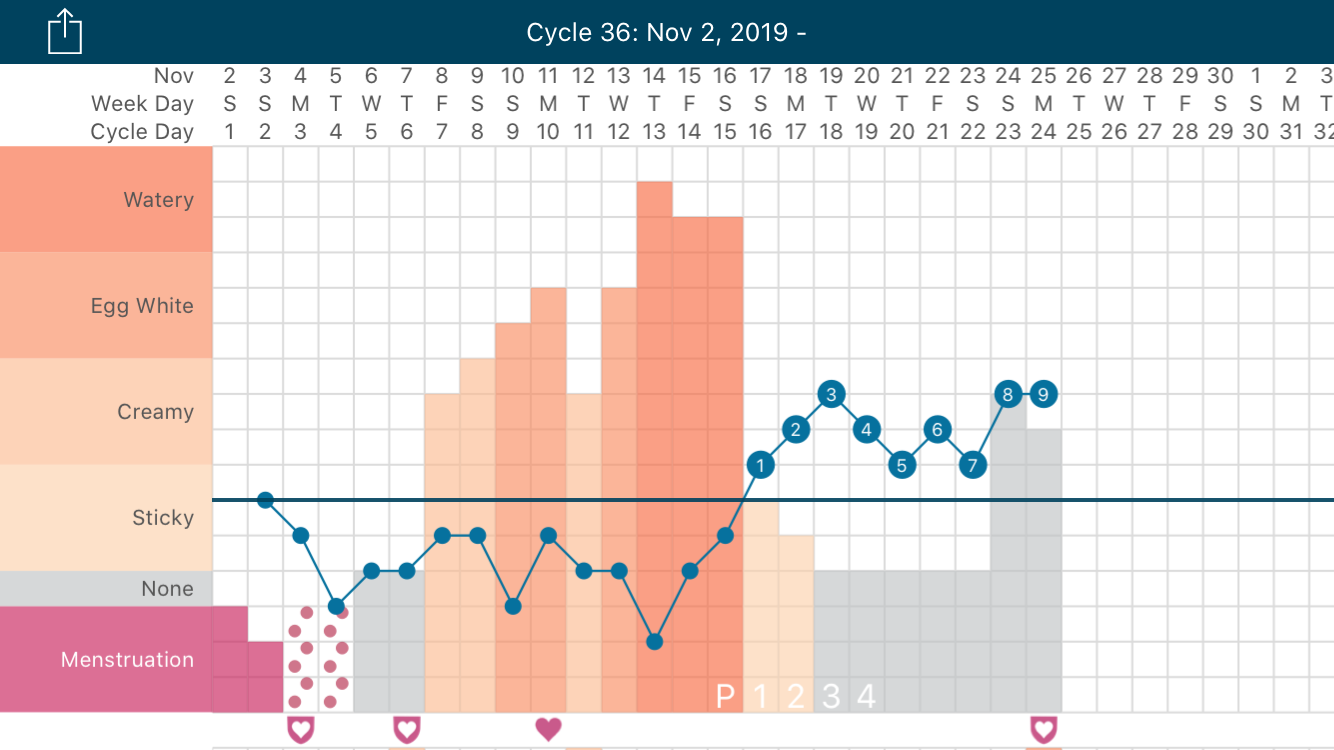
You can keep track of Spotting using the Spotting feature in the Menstruation section in the Data entry screen (pencil icon). On days that you observe spotting, go to the Data entry screen (pencil icon), scroll down to the Menstruation section, and tap the checkbox next to ‘Spotting’ to select it. To unselect it, tap the checkbox again.
Spotting will show up on your chart as red dots over the menstruation or cervical fluid data you entered for that day.