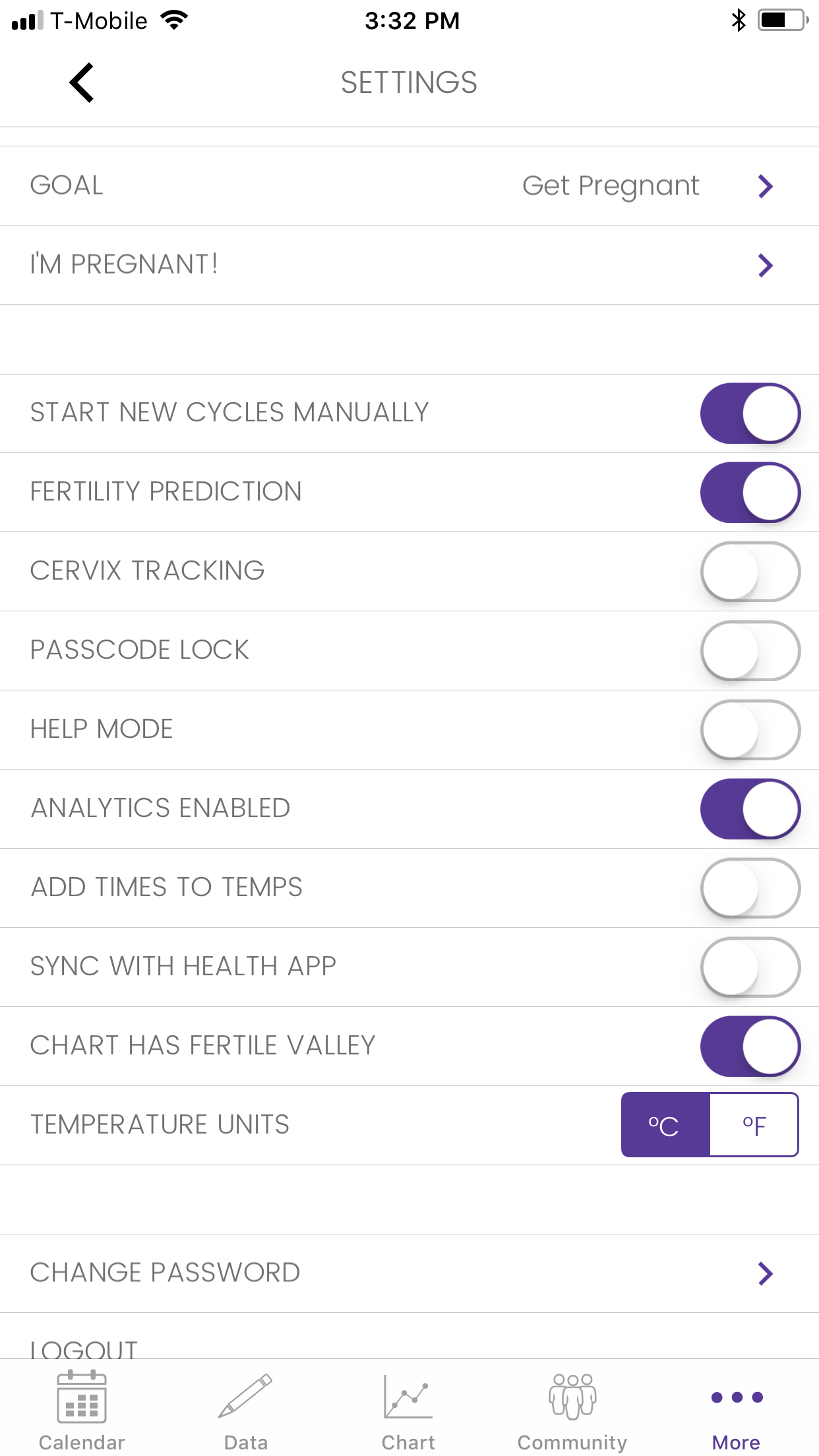
Kindara has two options for starting new cycles: Automatic and Manual.
Check out the video below for how to change your cycle start dates and change between manual and automatic.
By default, Kindara is set to automatically start new cycles for you. Under the Automatic setting, the app will automatically start a new cycle when you enter menstruation data for the first time if the current cycle is at least 10 days long.
With the Manual setting, you'll see a "Start New Cycle Today?" row underneath the Menstruation section of the Data screen. Simply tap the check-box next to the "Start New Cycle Today" option and Kindara will set that day as Day 1 of your next cycle. You can also tap this box again to remove the check-mark and the app will continue to chart in your previous cycle.
To switch between the Automatic and Manual Cycle setting:
Apple
Tap More
Tap Settings
Tap New Cycle
Select between Automatic and Manual
Android
Tap Menu (three vertical lines)
Tap Settings
Find the row that says "Start New Cycles Manually" and switch it on.
You can set this back to automatic at any time by switching Manual back off.