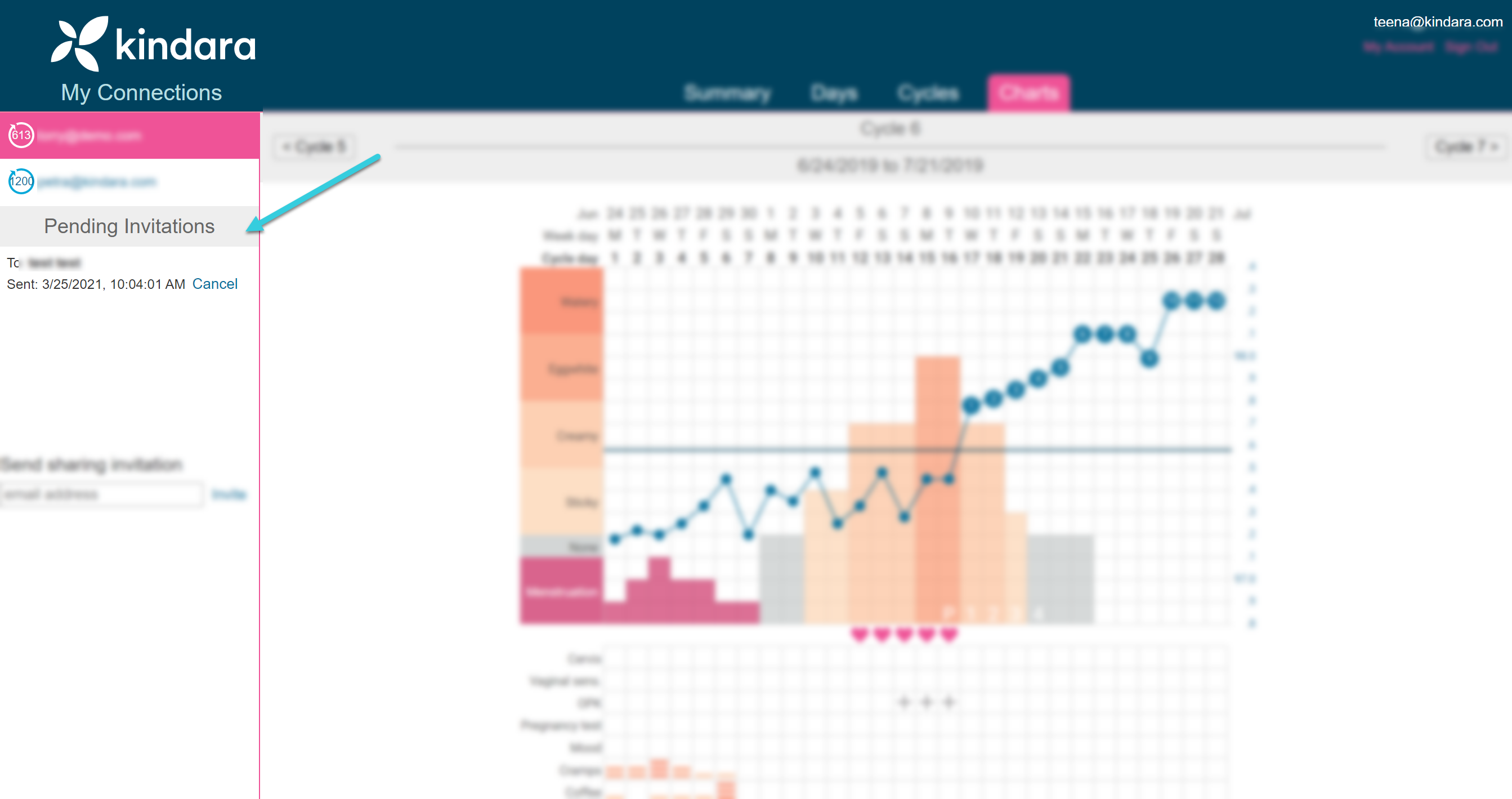
1. Sign in to your account at the Kindara Practitioner Portal.
2. Look for the Send sharing invitation section at the bottom of the left sidebar.
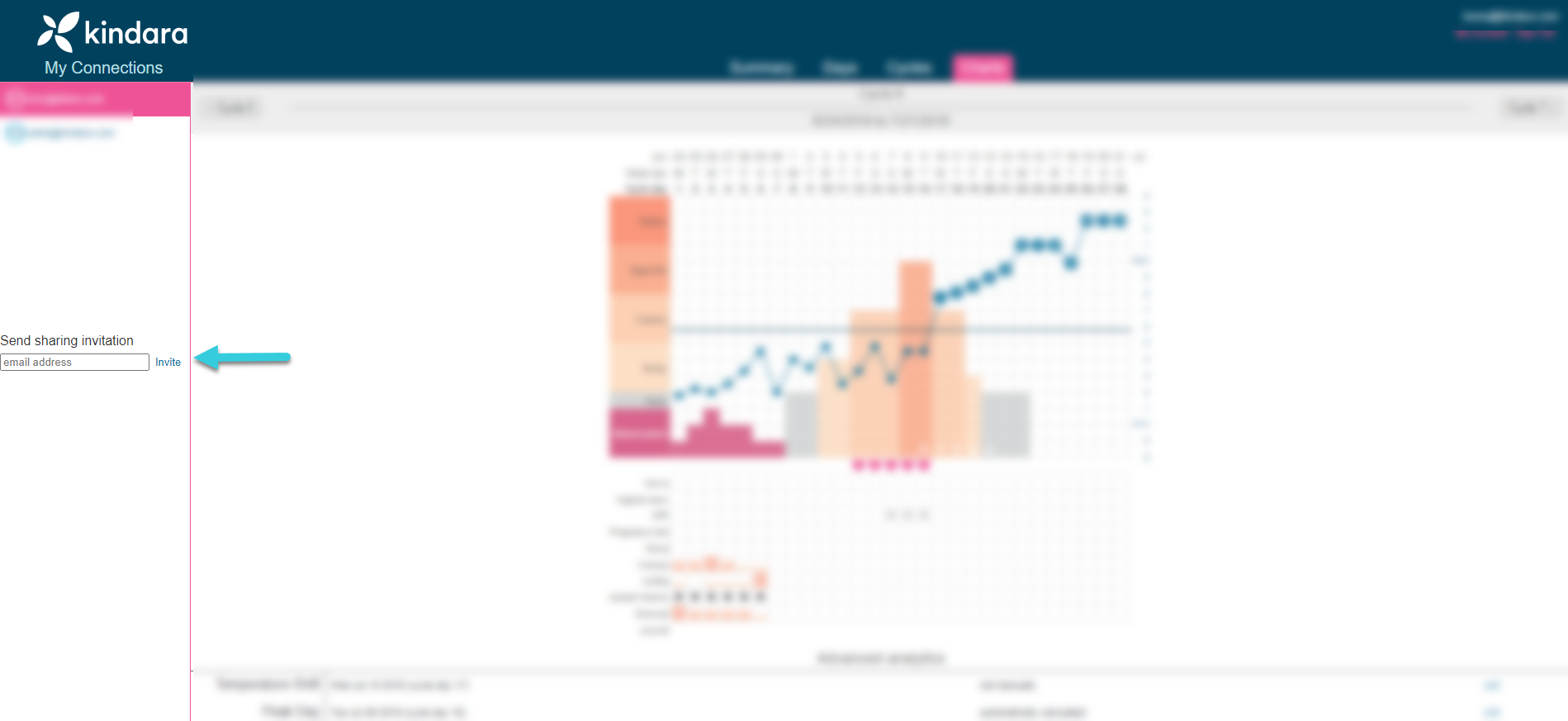
3. Type your client's email address into the field. Double-check for typos.
4. Click Invite. They will receive an automated email from our system inviting them to share their charts with you.
Troubleshooting
If your client doesn't receive the email, try the following troubleshooting.
- Ask your client to check their spam folder.
- Make sure their email address is appears and is spelled correctly under your Pending Invitations section on the left sidebar of your portal.