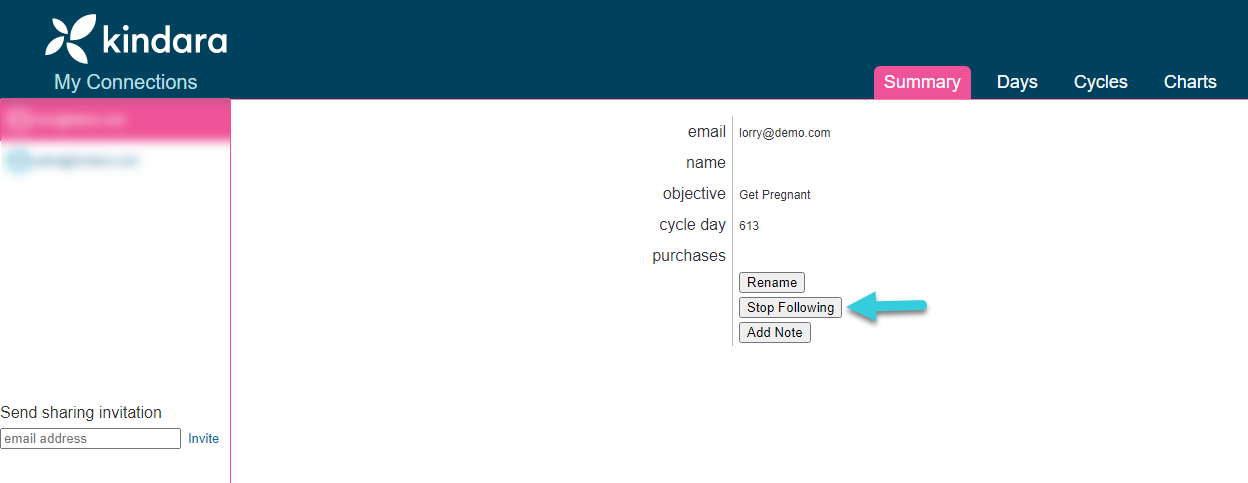
To remove a client from your portal, follow the steps below:
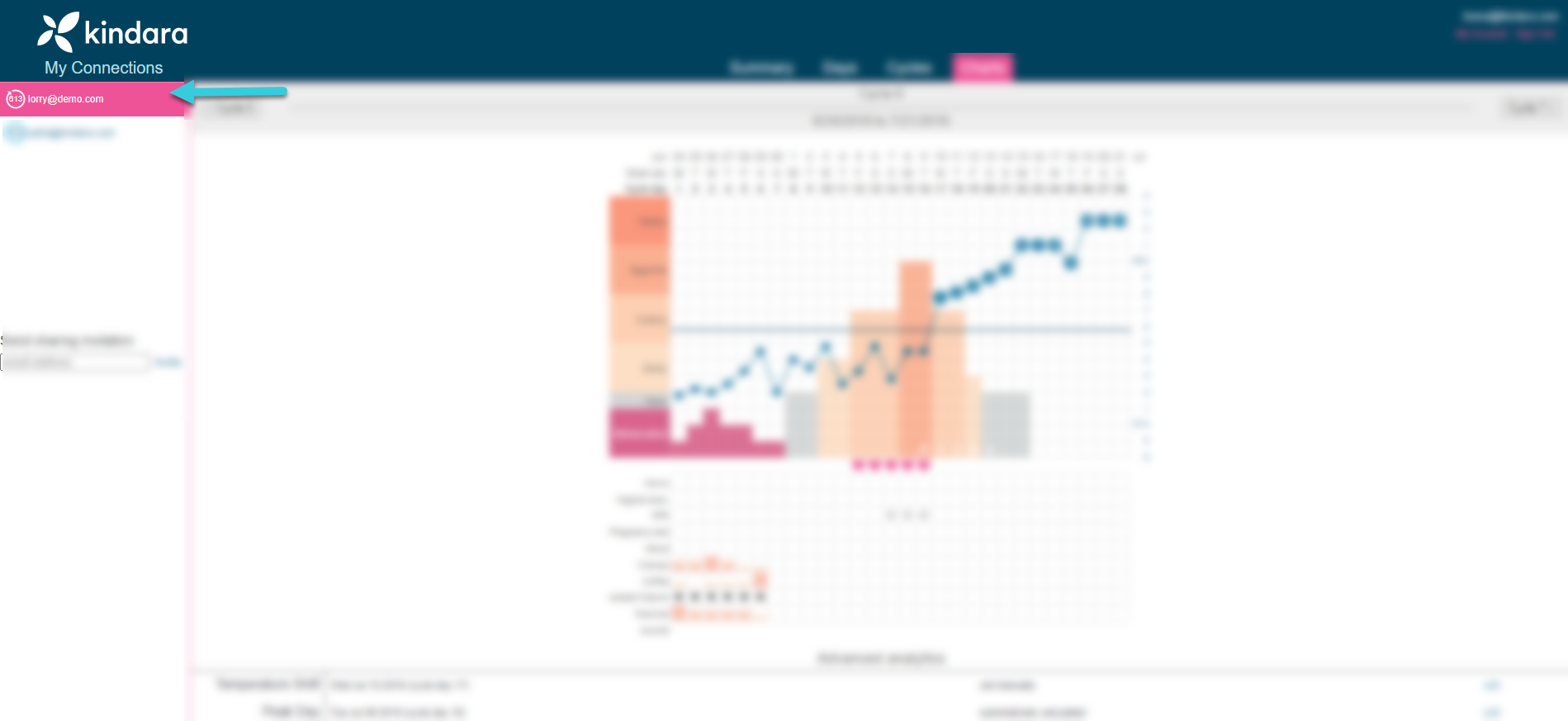
1. In your Kindara Practitioner Portal, click the email address of the person you'd like to remove.
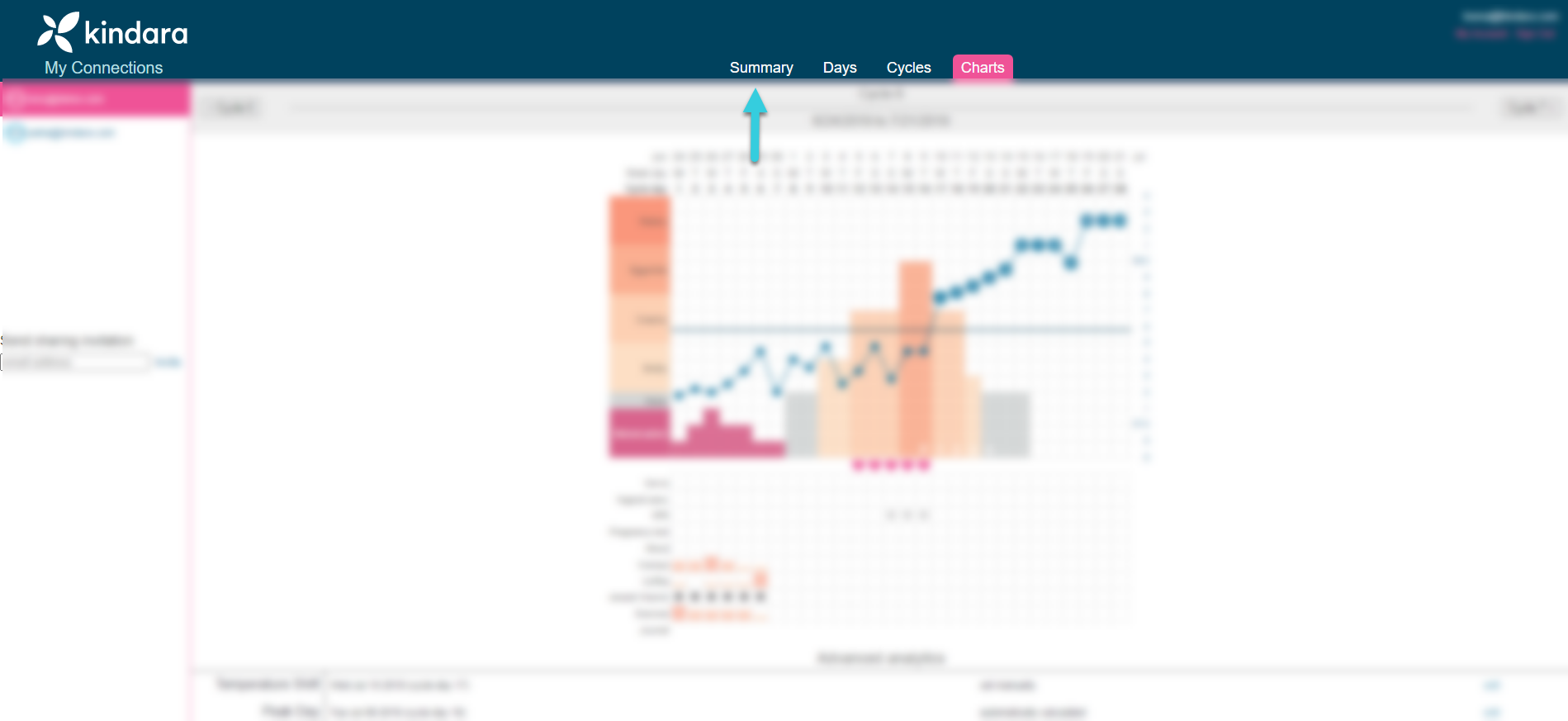
2. Once the chart is open, click the Summary tab at the top of the page.
3. Click the Stop Following button on this page, and their account will be disconnected from yours.