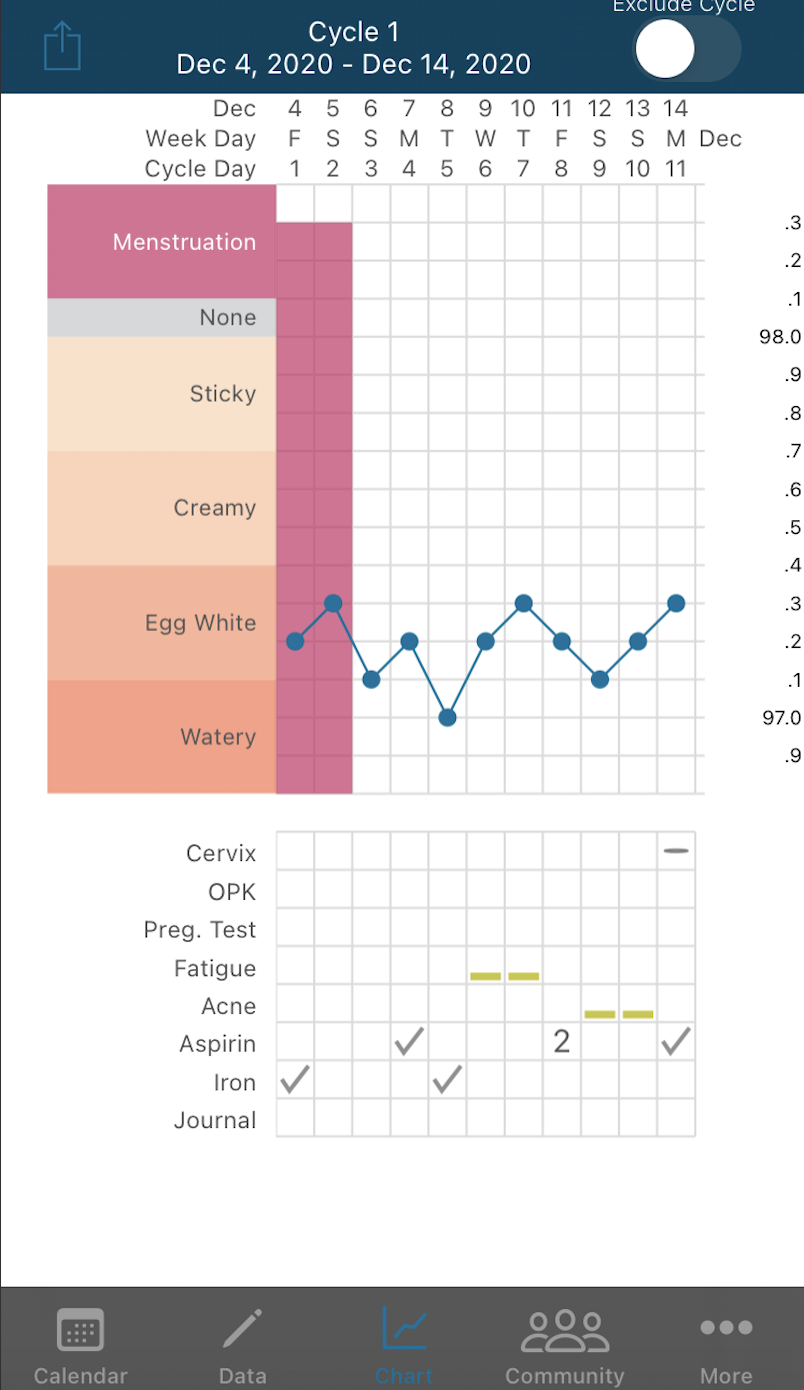
The Kindara app new Drug and Supplement feature is a great addition to track your personal fertility journey! This article will walk you through step by step how to best utilize this amazing new feature!
Open the Kindara App to the Data Entry screen (pencil icon) and locate "Drugs and Supplements"

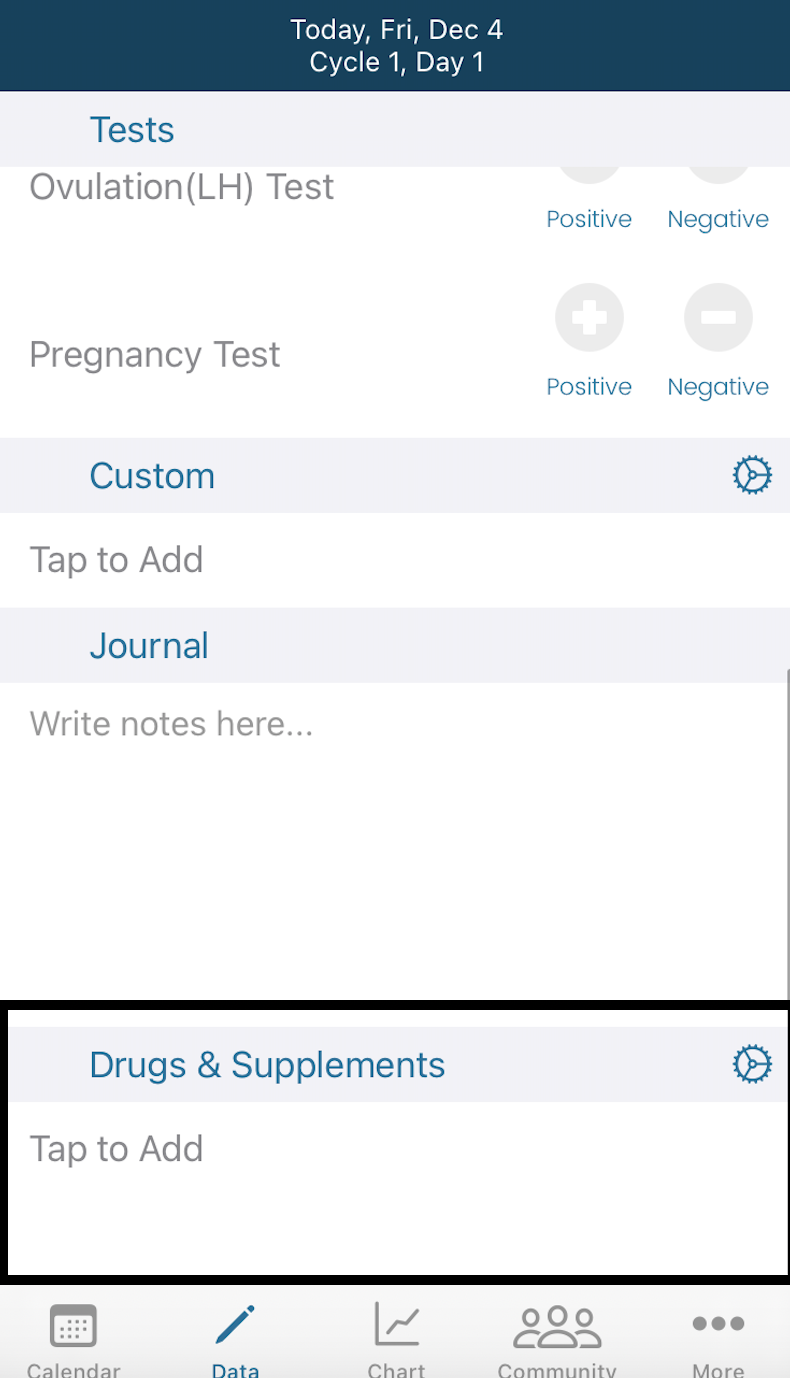
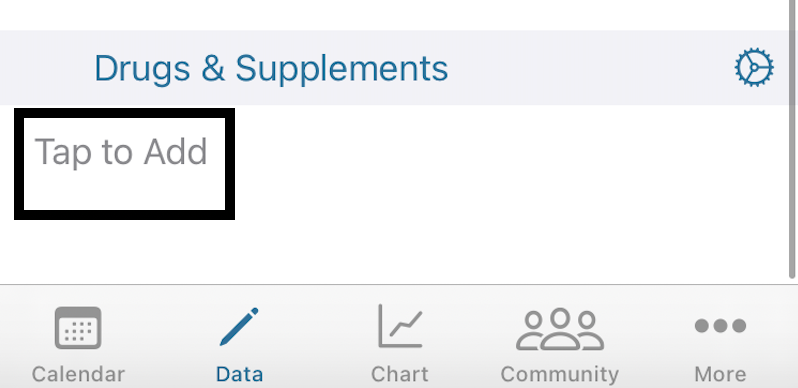
Tap the "Tap To Add" to add a new Drug or Supplement
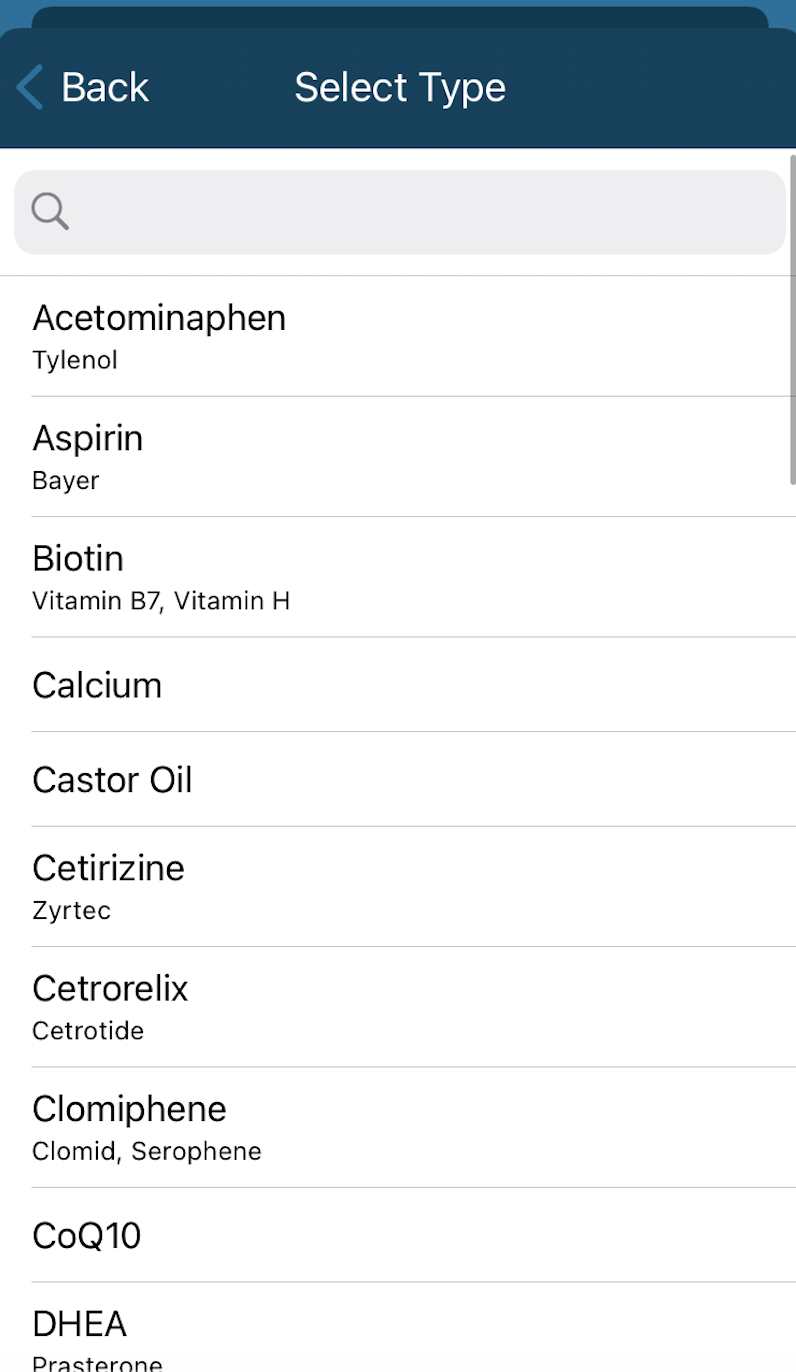
Tap Type to select from the provided Drugs or Supplements.
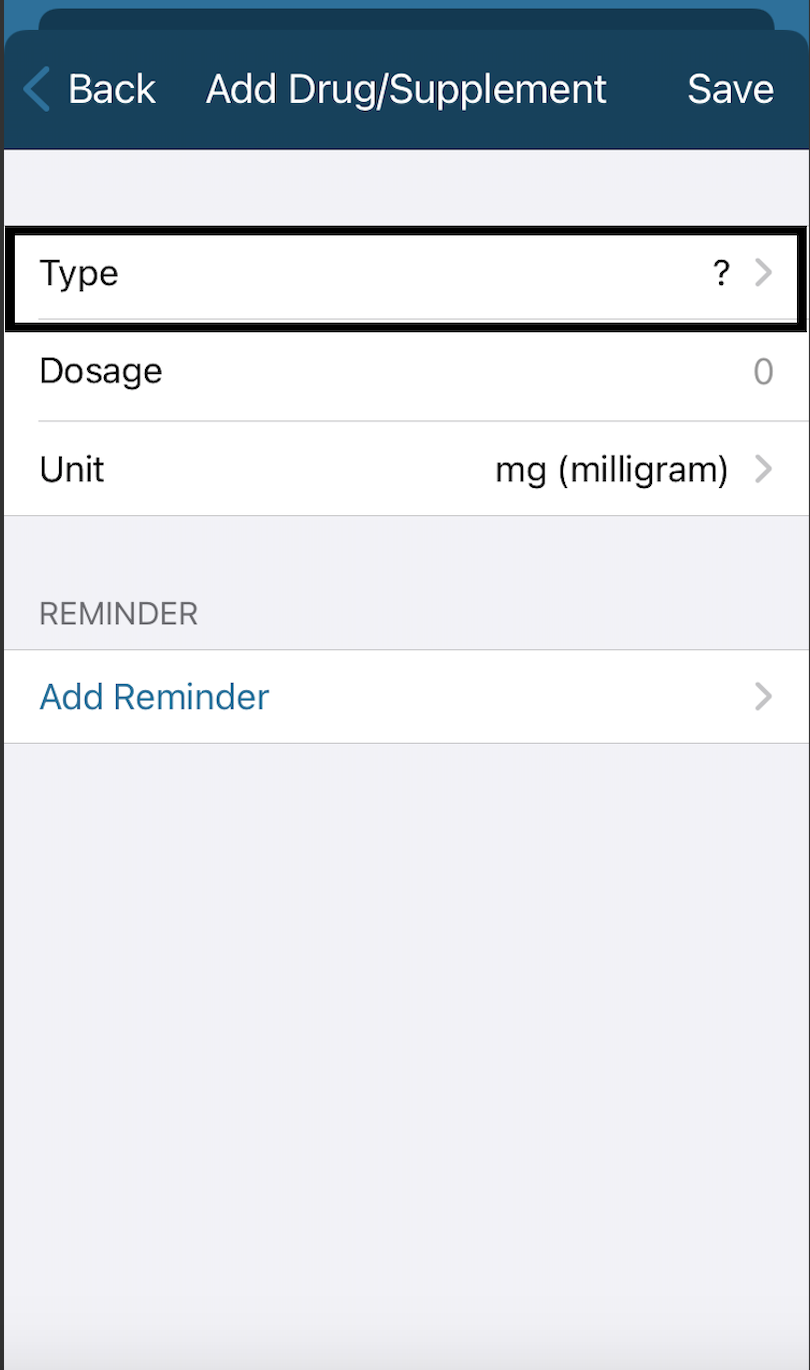
Search or select for a Drug or Supplement. Type in either the Brand name or the generic name of the drug to search for a Drug or Supplement!
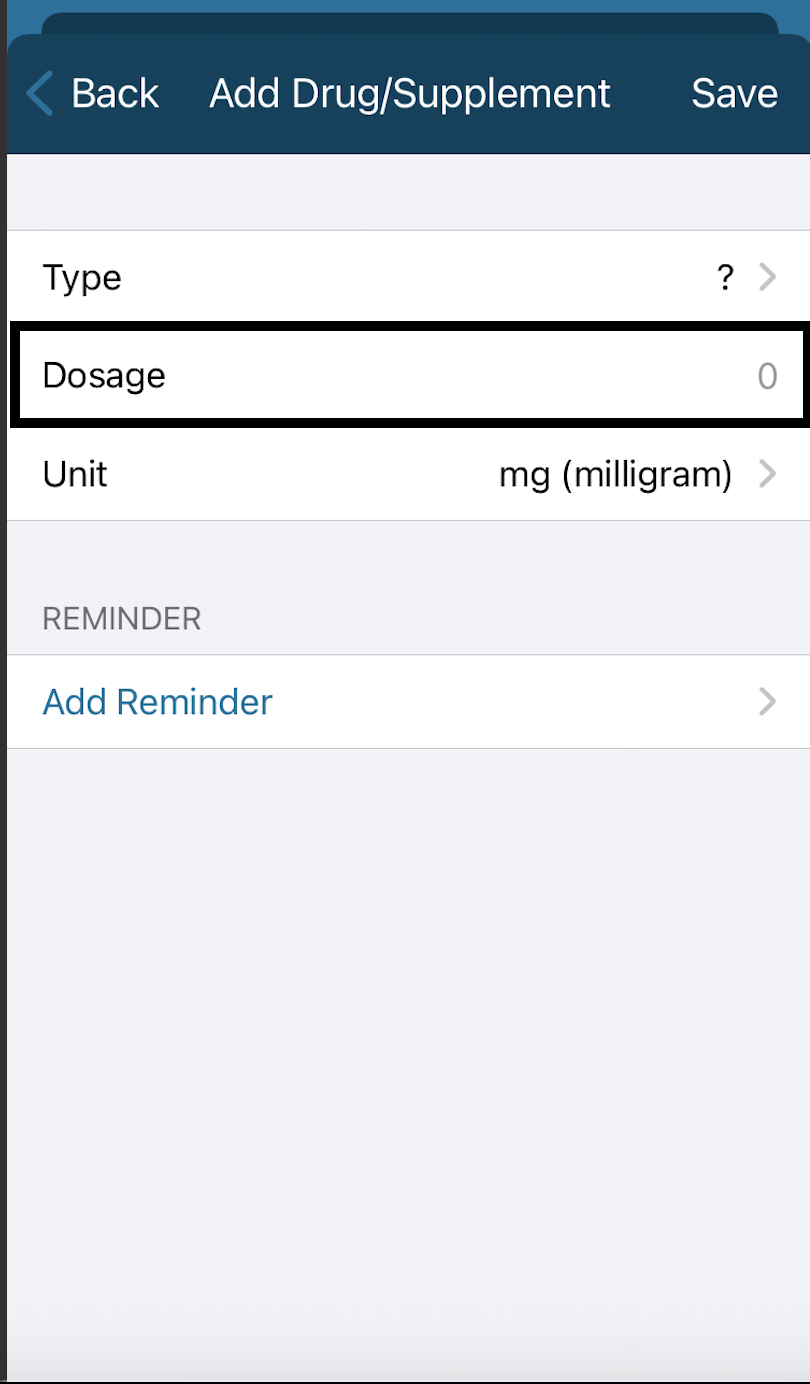
Tap Dosage to select the dosage for the Drug or Supplement
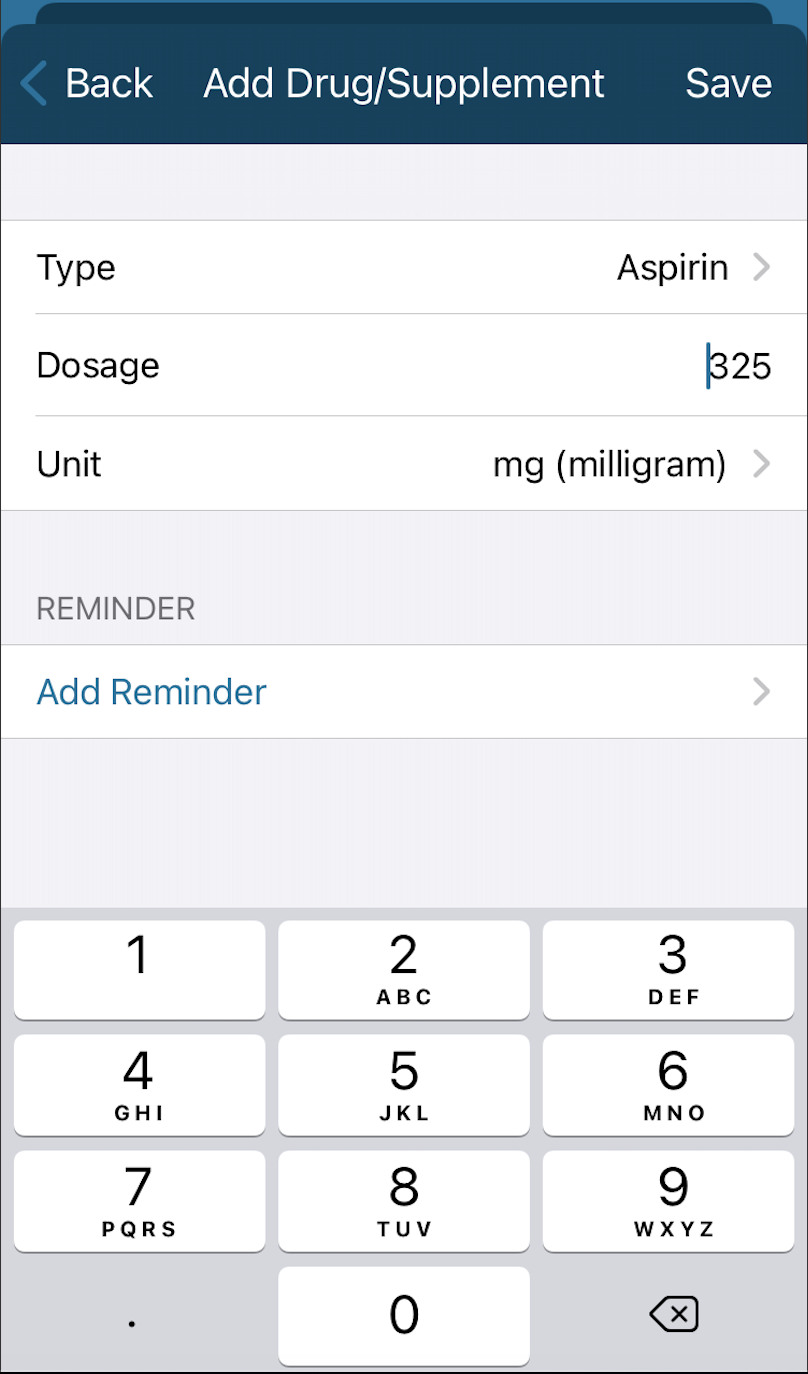
Use the popup keyboard to enter the dosage. Keep in mind to change the default Dosage if you take a different dosage!
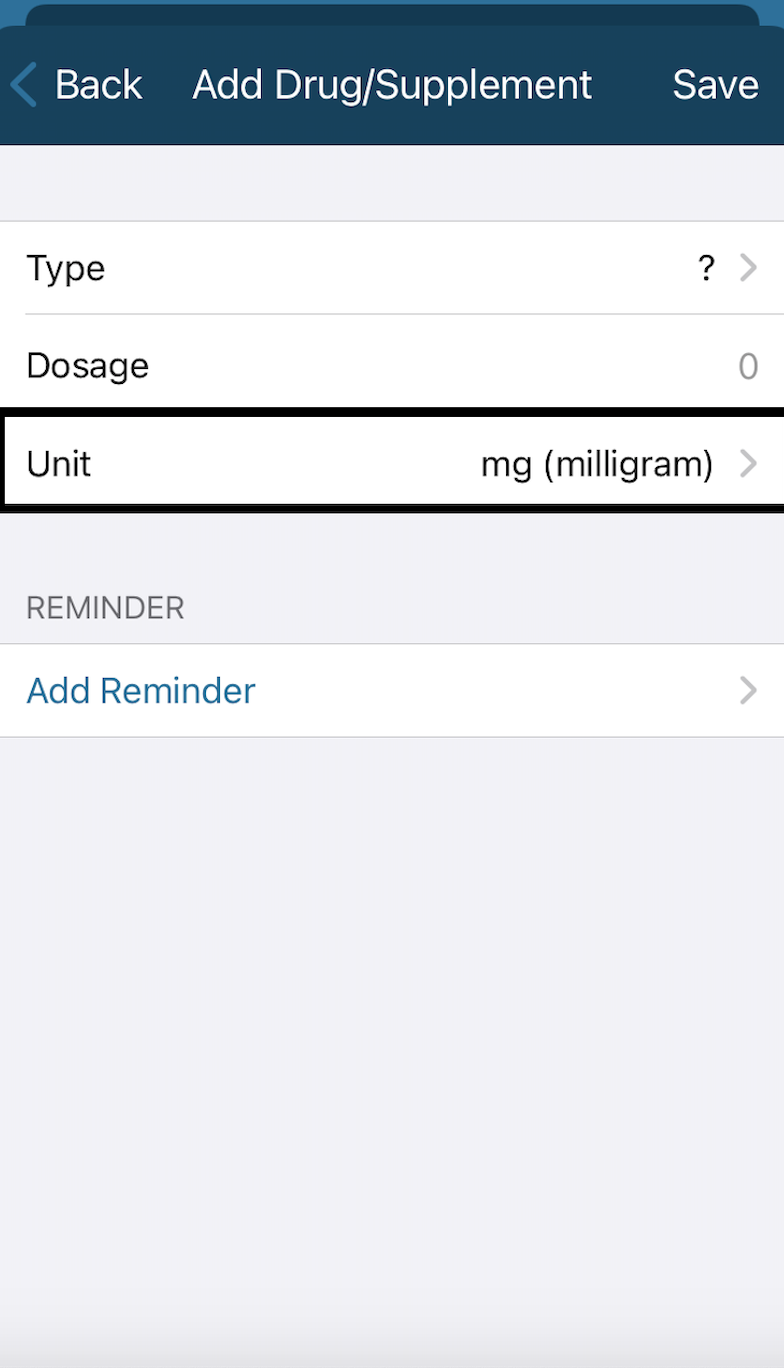
Tap Units to enter the units of the Drug and Supplements
Tap Save once completed!
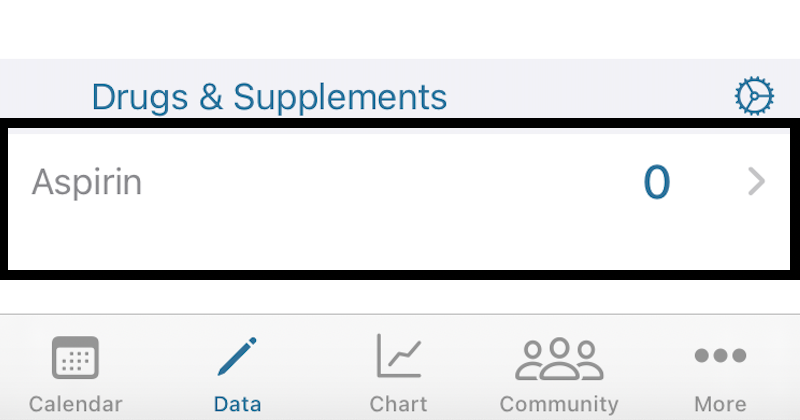
Track your Drug and Supplements by tapping the number next to the item you just saved on the Data Entry page:
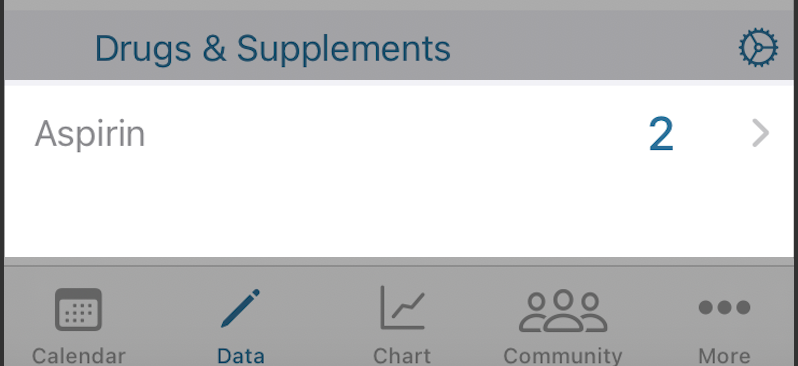
To Add a Reminder for the Drug and Supplement feature tap on the item you just saved
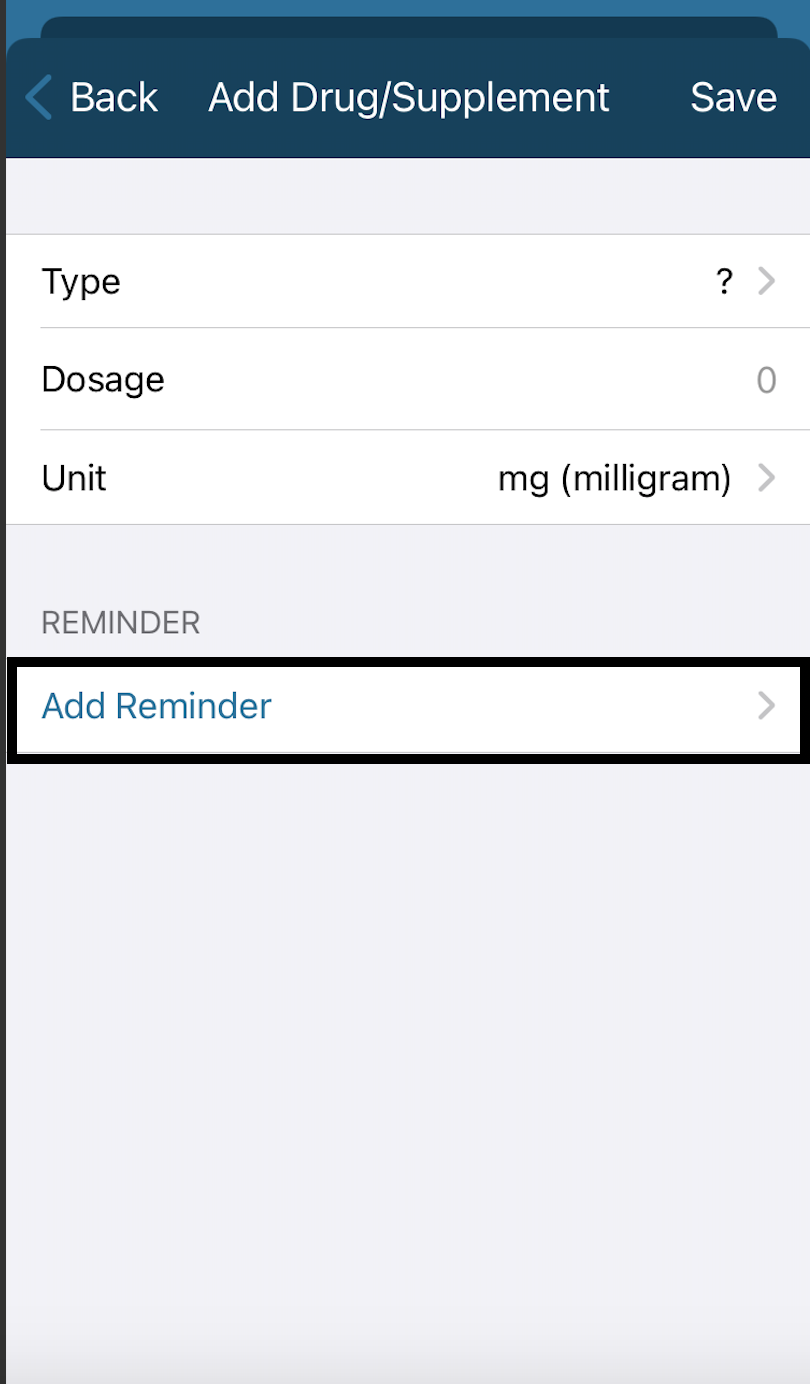
Tap Add a Reminder
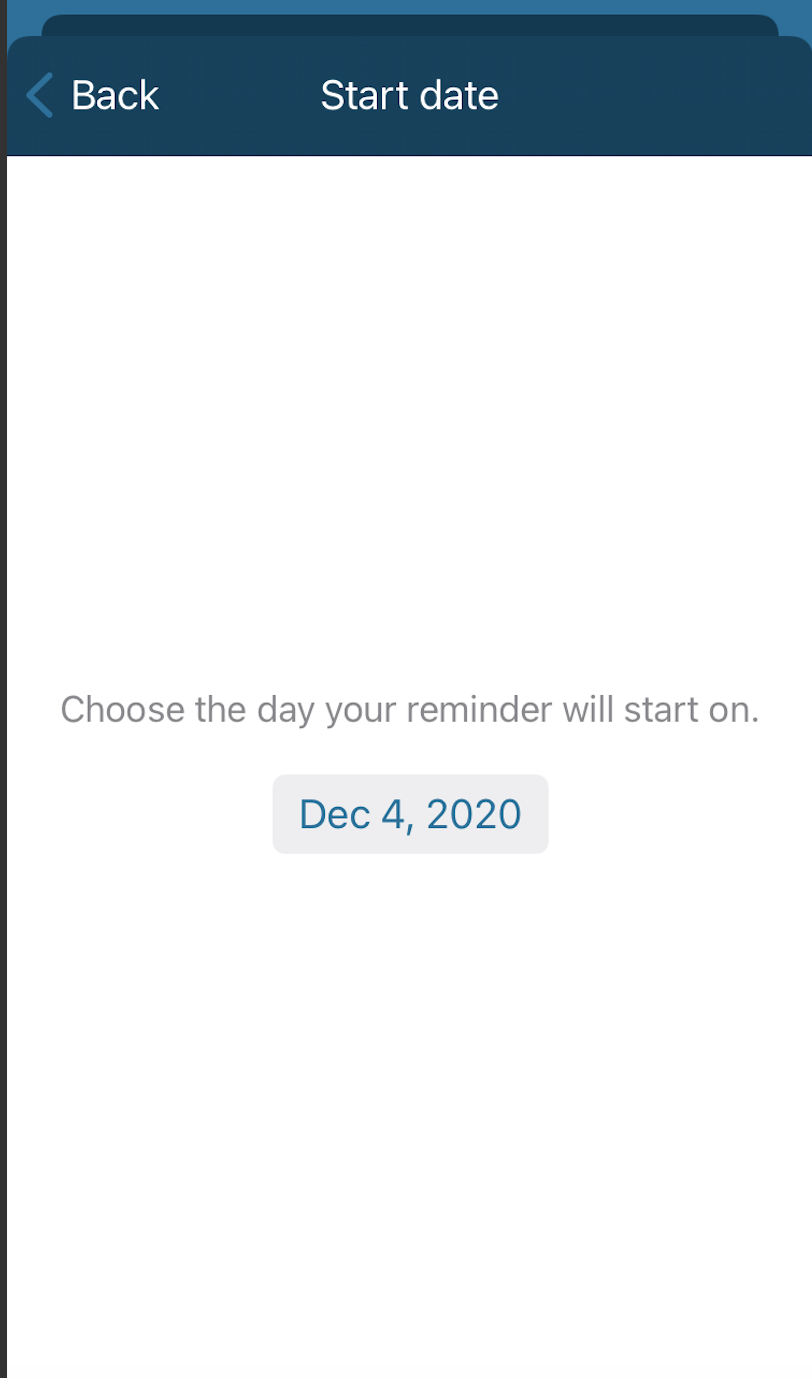
Select a Start to add the Date you'd like the reminder to start
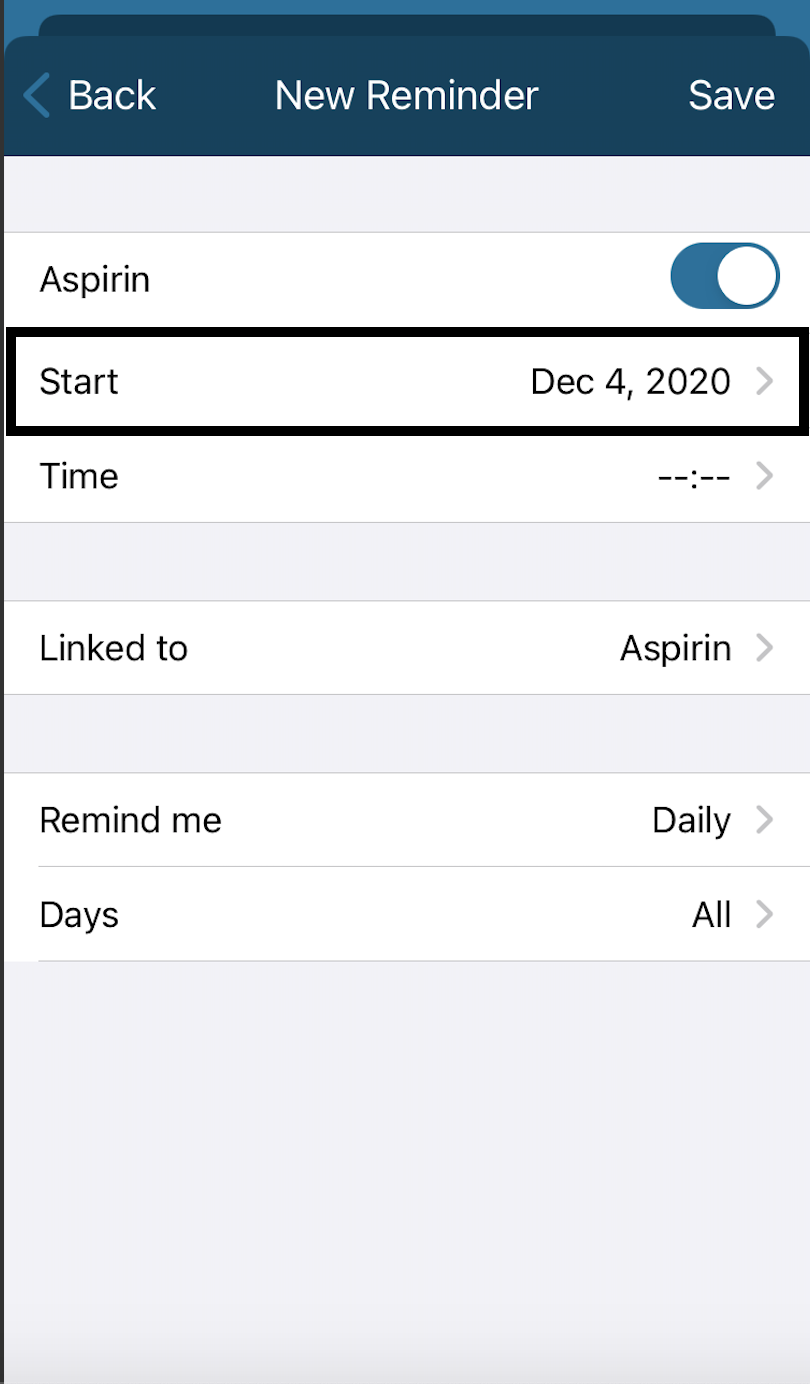
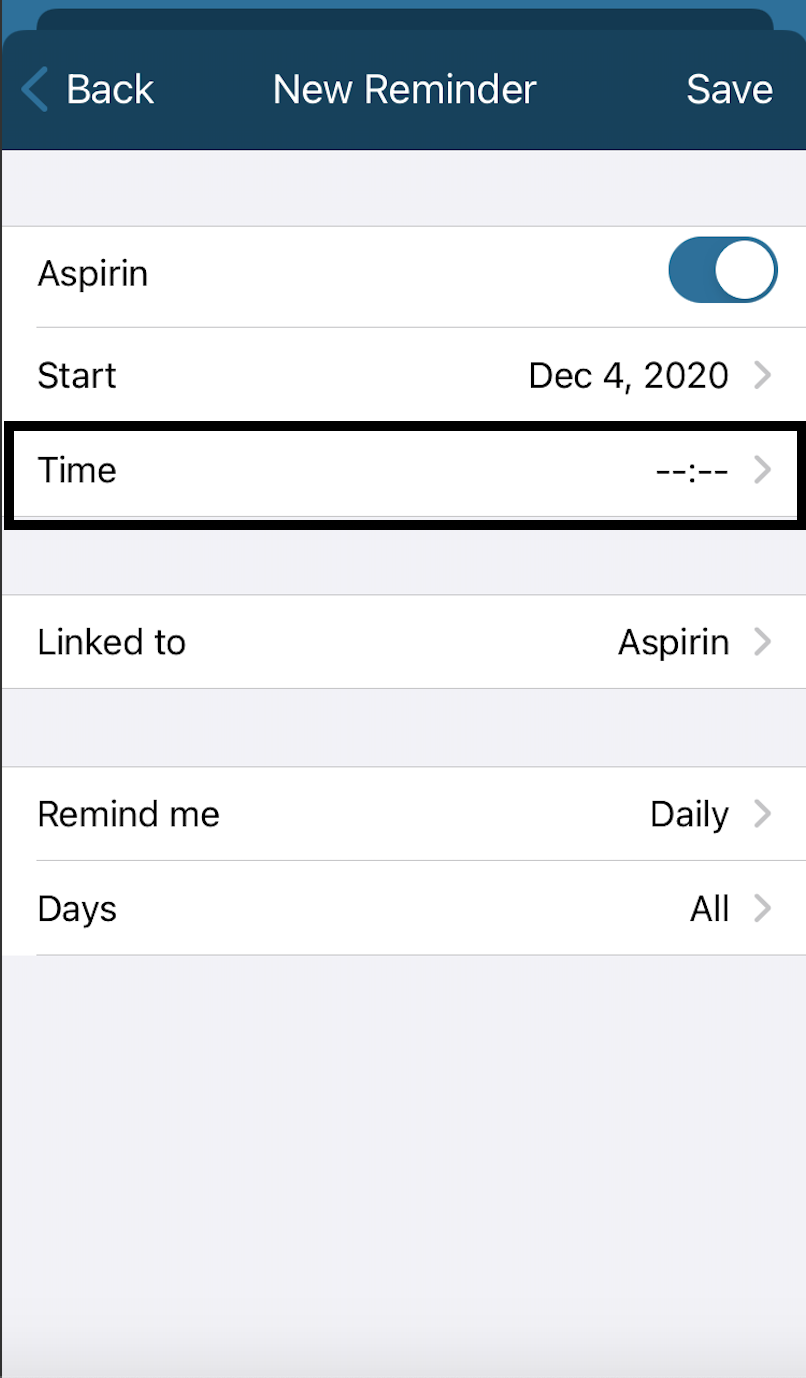
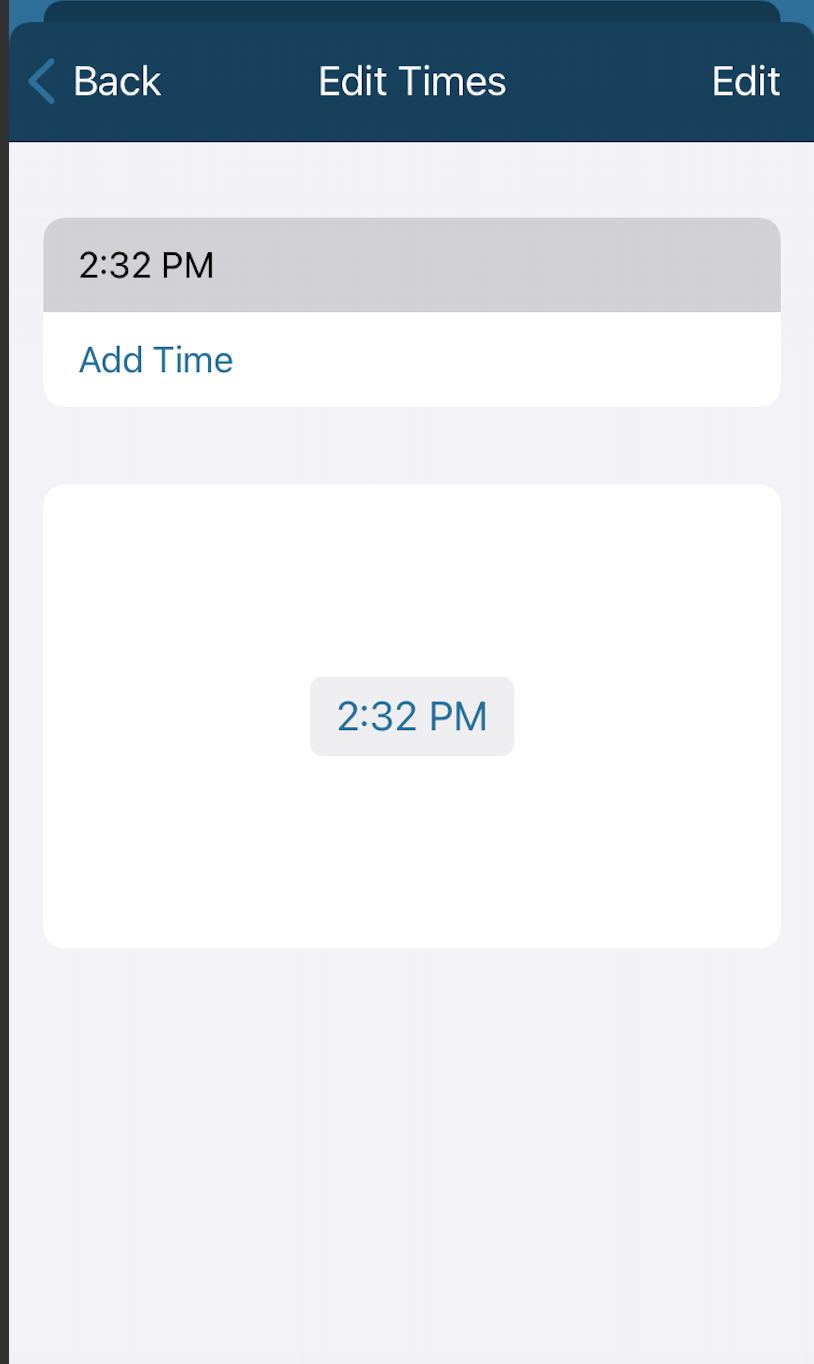
Select the Time you'd like the reminder to remind you to take the Drug or Supplement
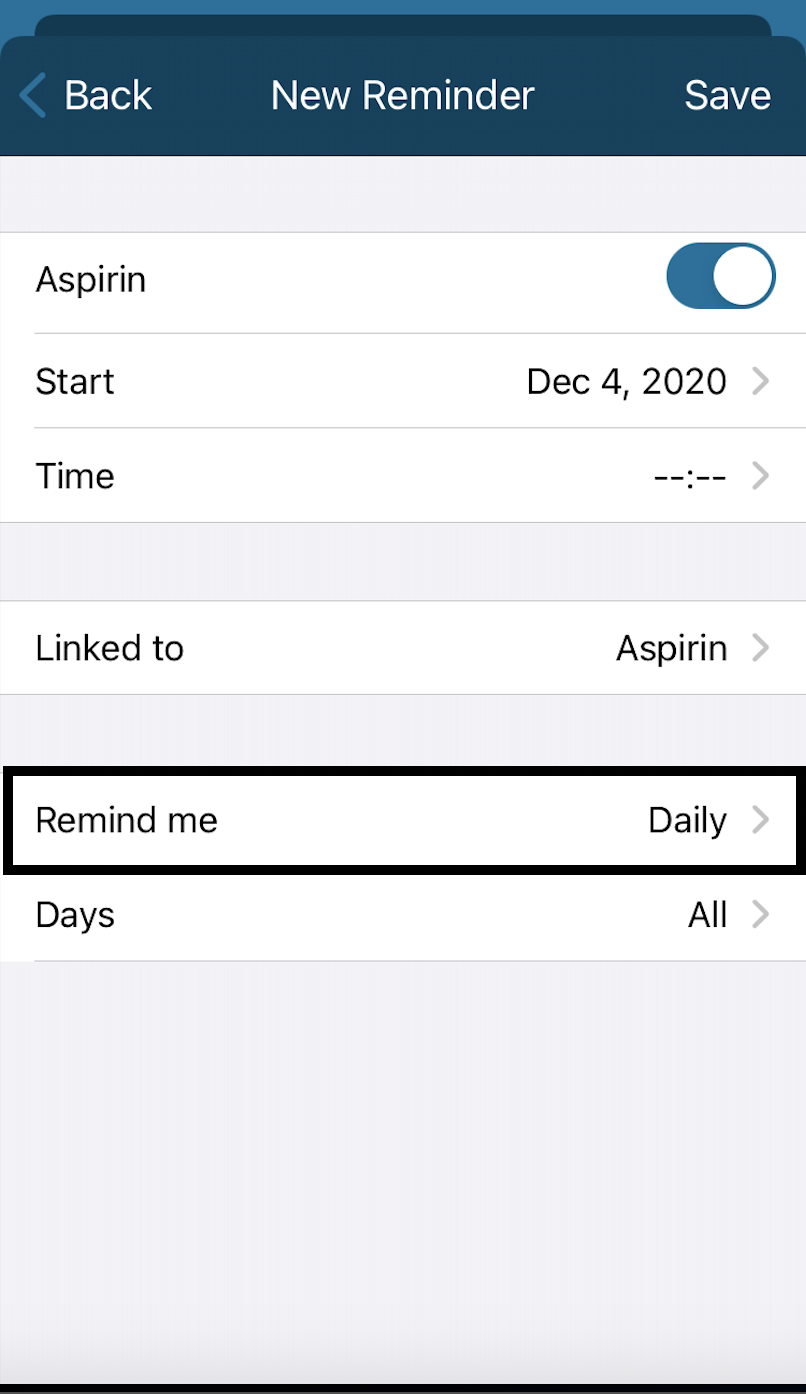
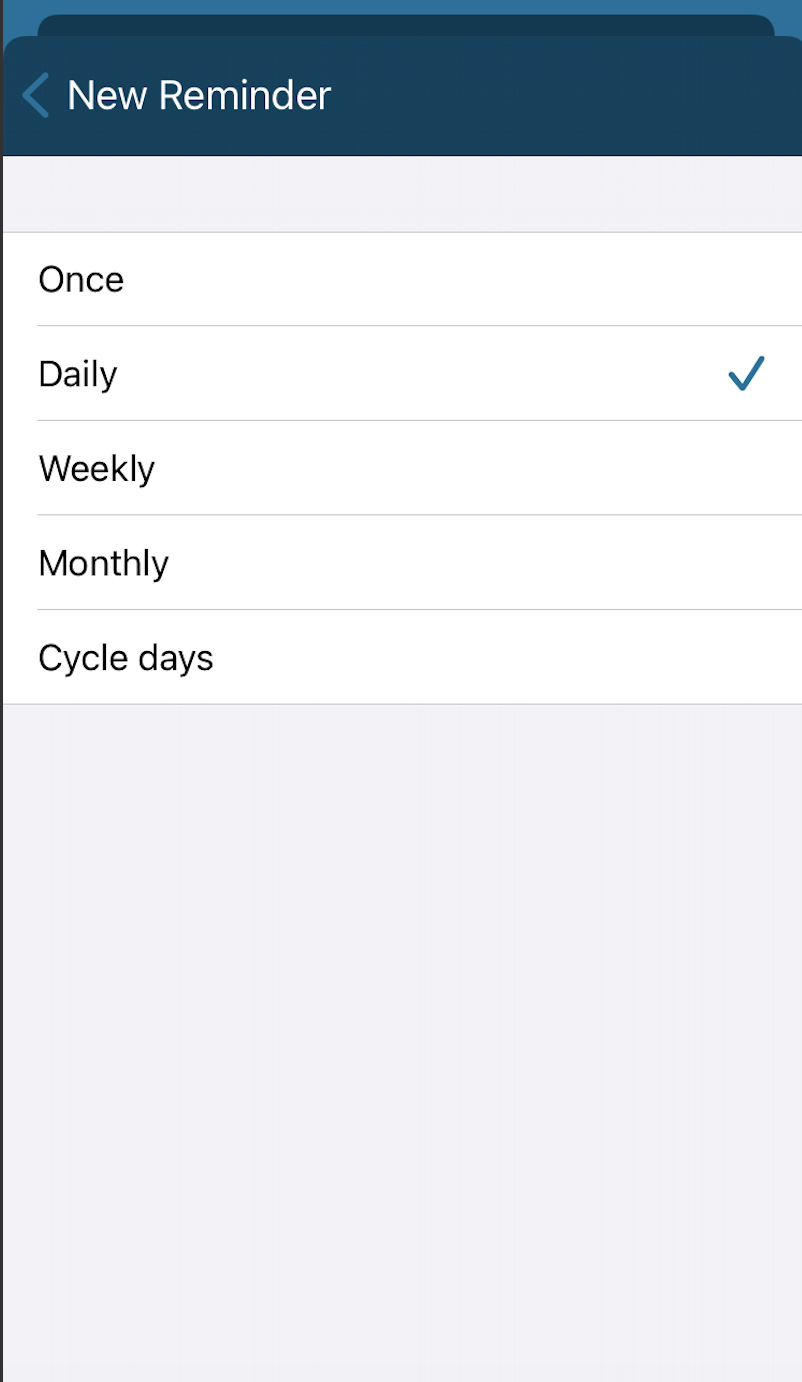
Tap Remind Me to select how often to set the reminder
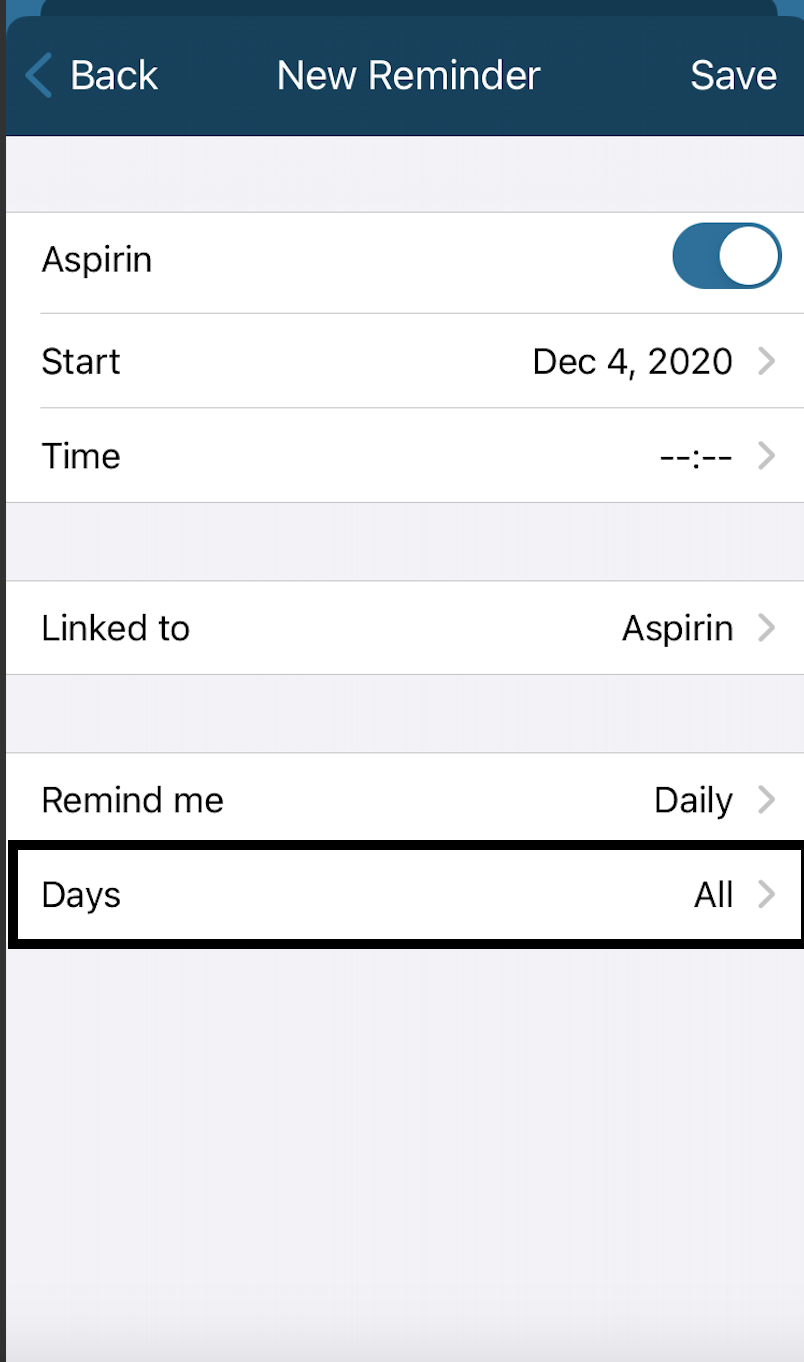
Tap Days to select the days to set the reminder
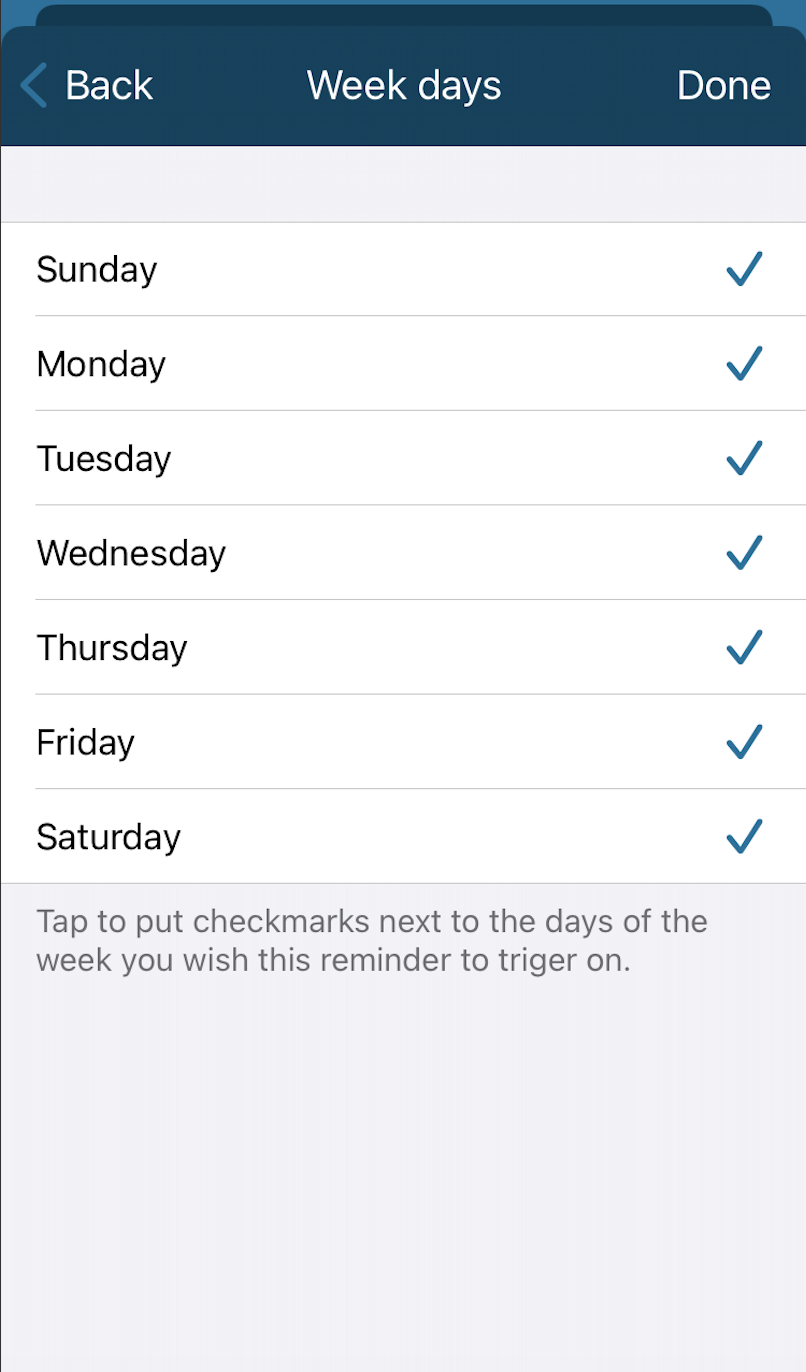
Tap Done once complete!
Track Drug and Supplements throughout your cycle and find them displayed on the Chart View in the Kindara App: