If you've forgotten your password follow these steps below
iOS Apple:
- Tap the More
- Tap Accounts (please double-check the email associated with your account here)
- Tap Logout
- Then tap Sign In
- Tap 'Forgot Password?' and enter your Kindara account email.
Android:
- Tap More
- Please double-check the email associated with your account at the top of the dropdown menu
- Tap Logout
- Then tap Sign In
- Tap 'Forgot Password?' and enter your Kindara account email.
We will send you a Reset Password link in your email address provided. Please be sure to use the same email address that is associated with your Kindara app account. Or contact us at support@kindara.com if you'd like to change the email associated with your account.
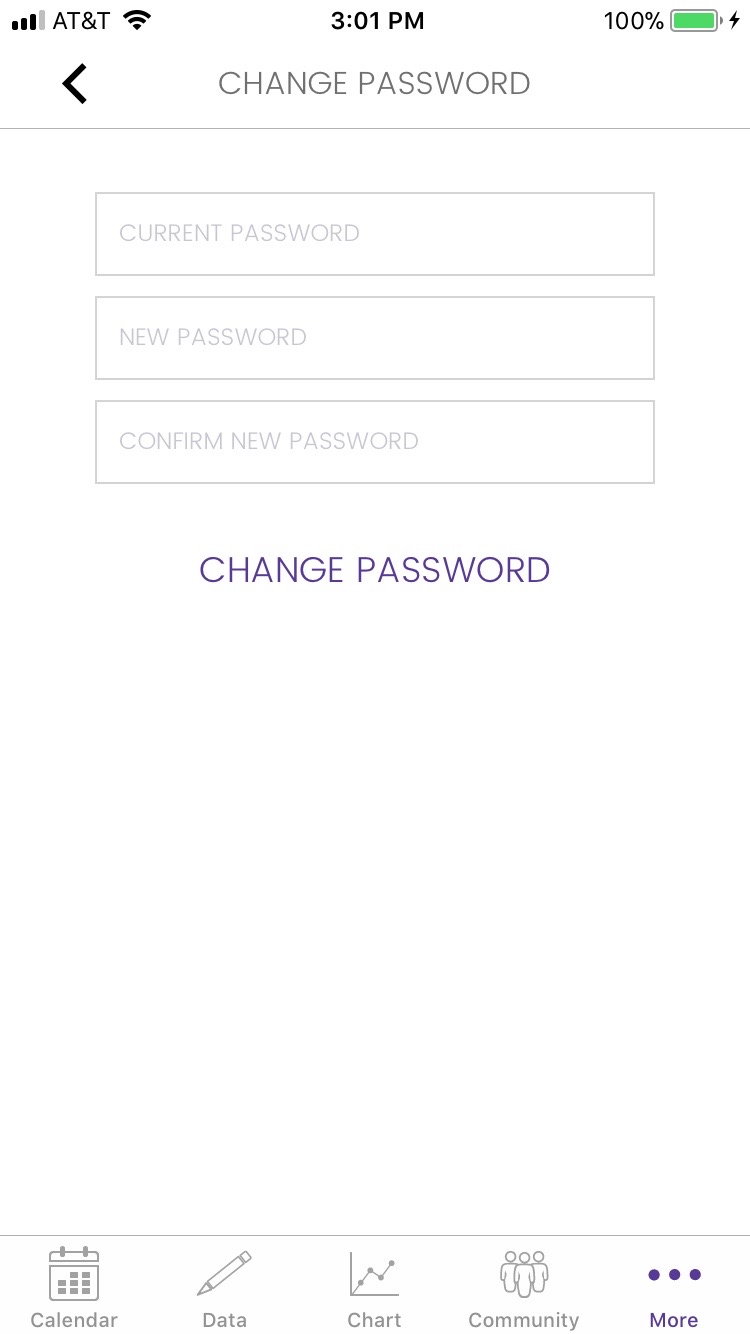
If you know your old password and would like to change it you can do so by these steps:
iOS Apple:
- Tap the More
- Tap Accounts
- Tap Change Password
Android:
- Tap Menu
- Tap Settings
- Tap Change Password (under Security)