
Kindara Premium allows 6 different Special Input Types to create a very personal and customizable charting experience! Read more about how to add Custom Data to your Data Entry screen (pencil icon) in this article for iOS devices and this article for Android devices.
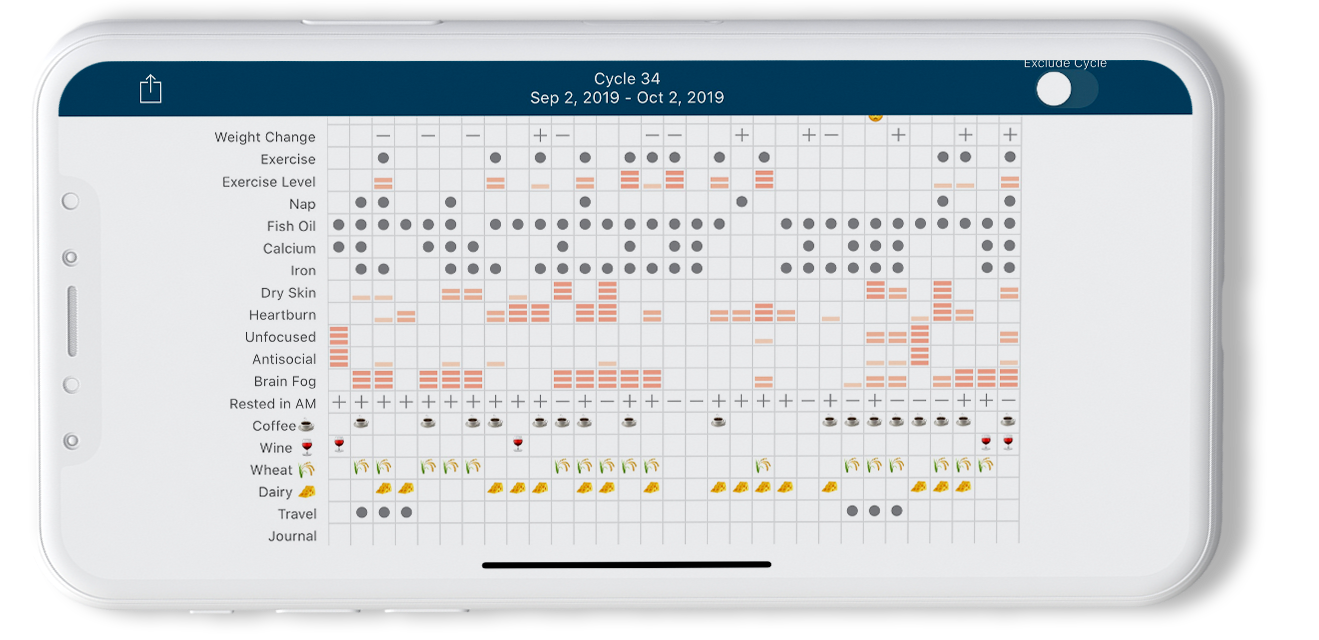
If a common emoji is used in the beginning or end of a Custom Data name for Toggle, Number, or Text, that emoji will appear in Chart view instead of a gray dot.
These input types can be used in many ways. Here are just a few examples:
- Toggle can be used as a quick way to track things like Coffee or intake of certain Foods.
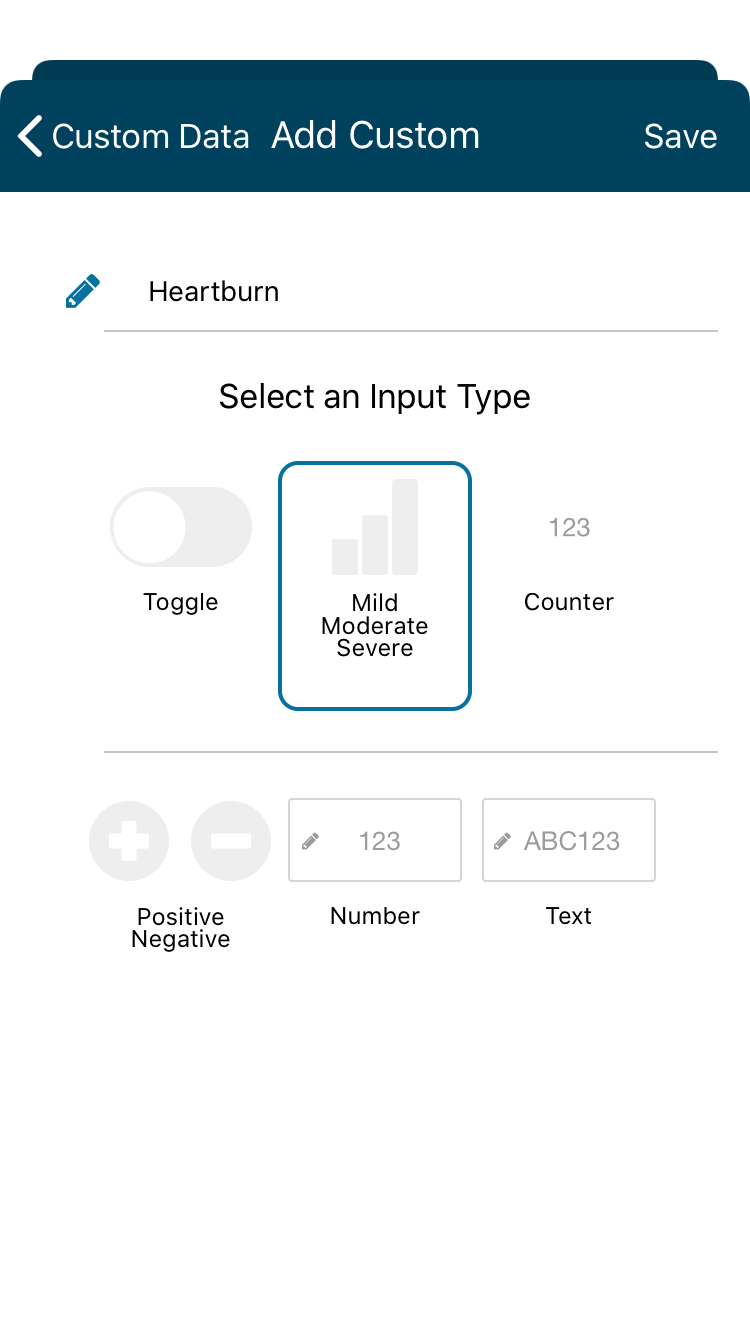
- Mild/Moderate/Severe Scale may be of use to track how severe something is, like Heartburn.
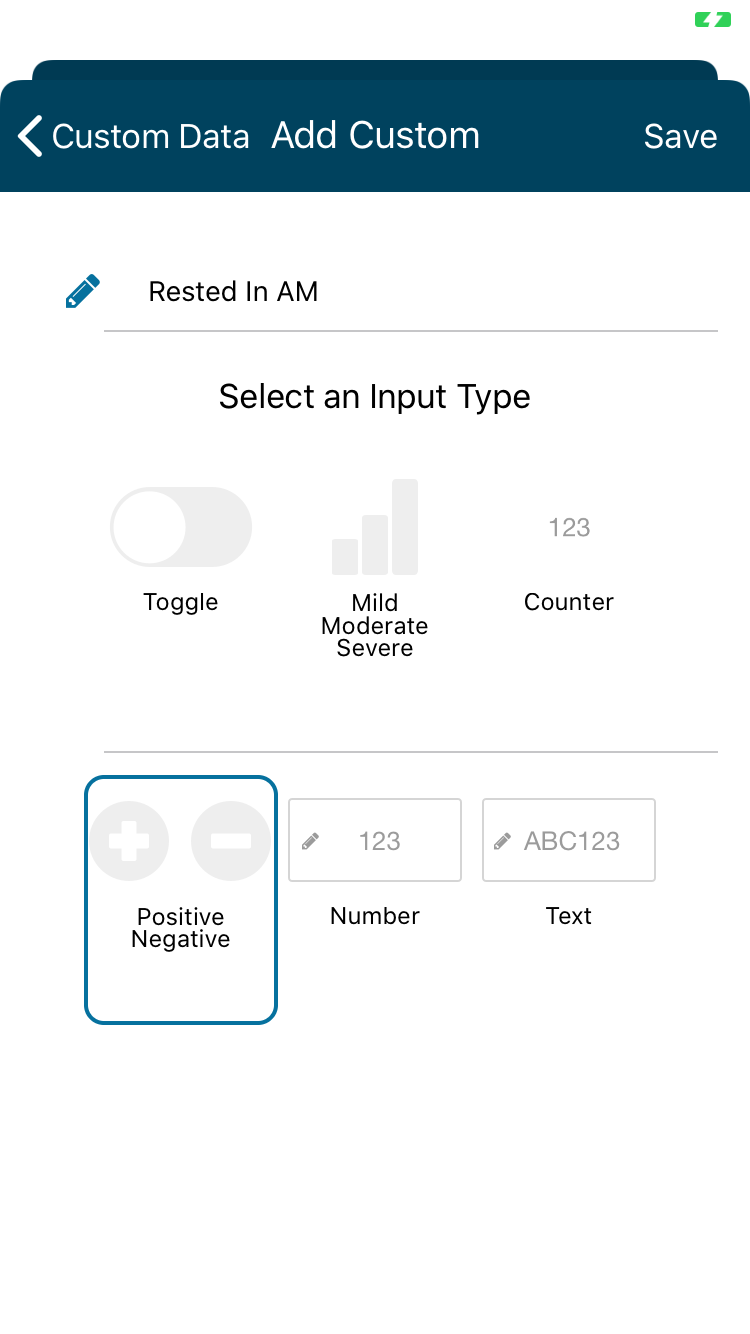
- Positive/Negative is a helpful easy way to track items such as your overall mood or weight change from day to day.
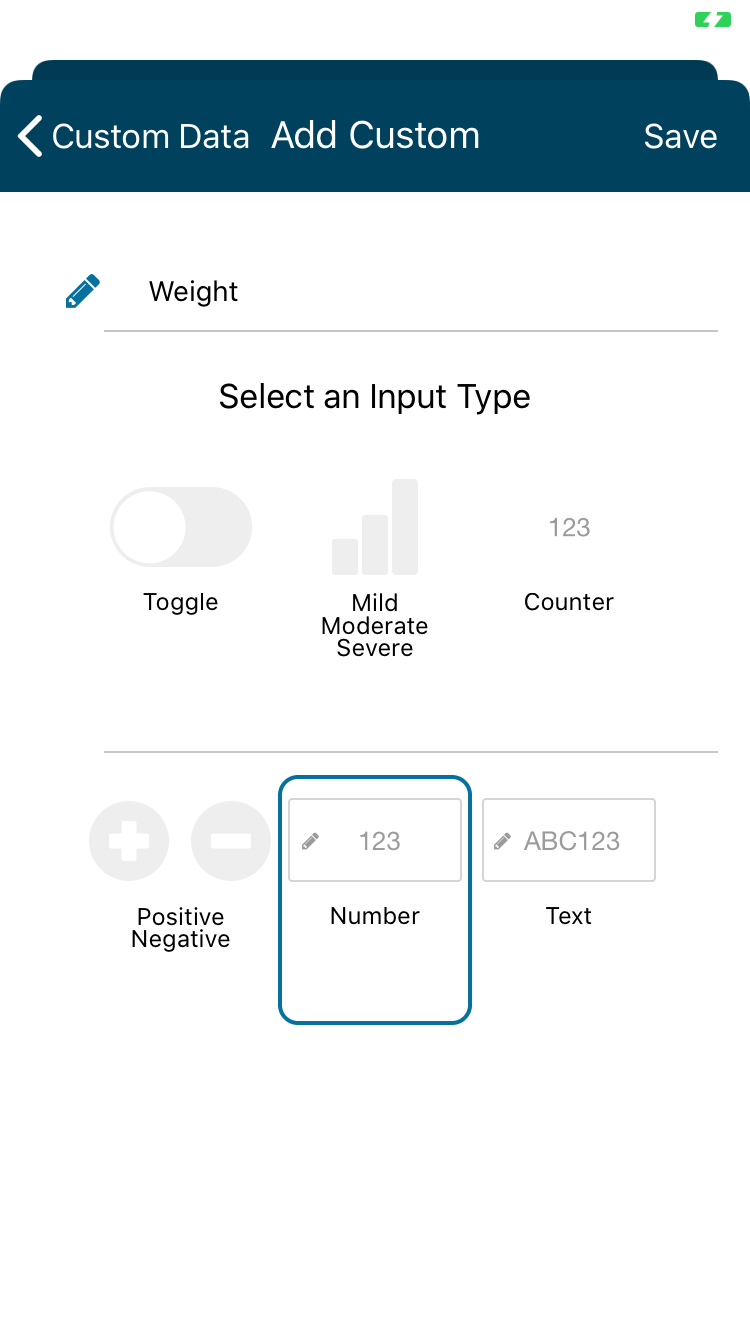
- Number Input is a great way to track items like Weight.
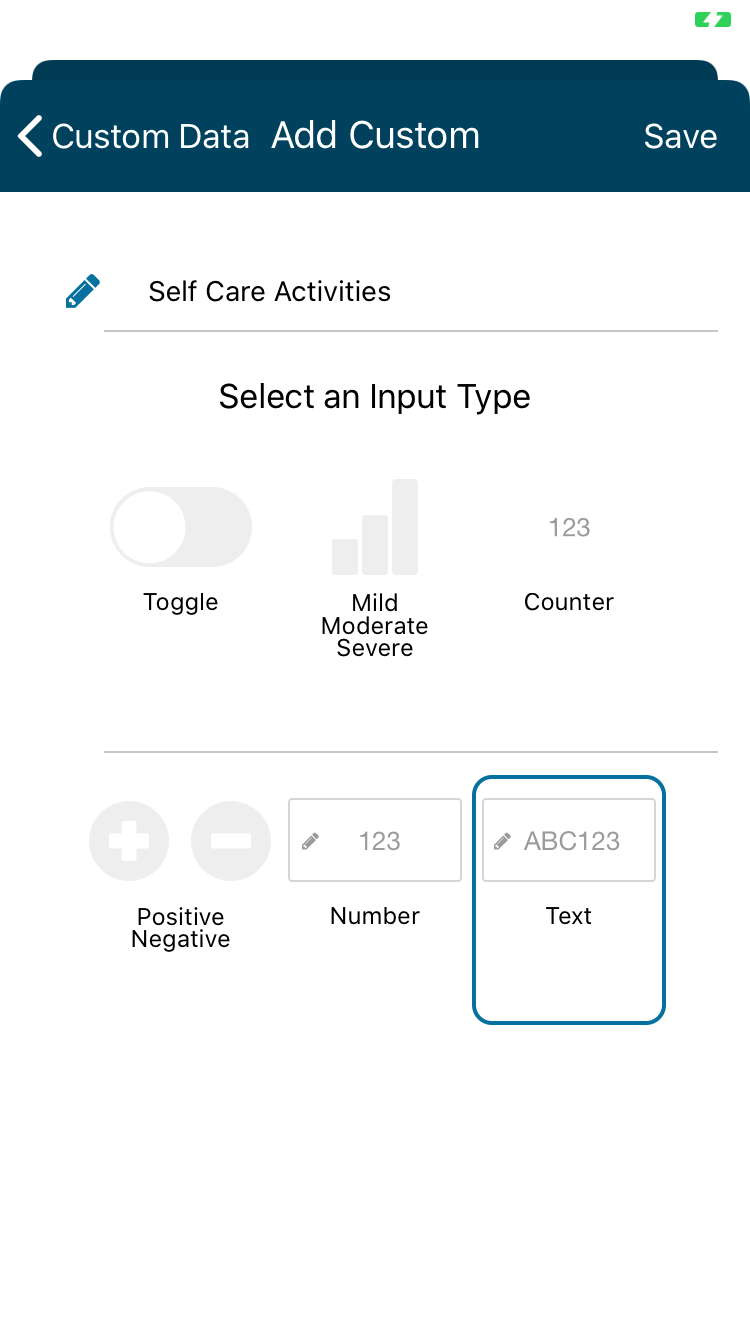
- Text can be used to track specific ways you've practiced Self Care or different types of Exercise.
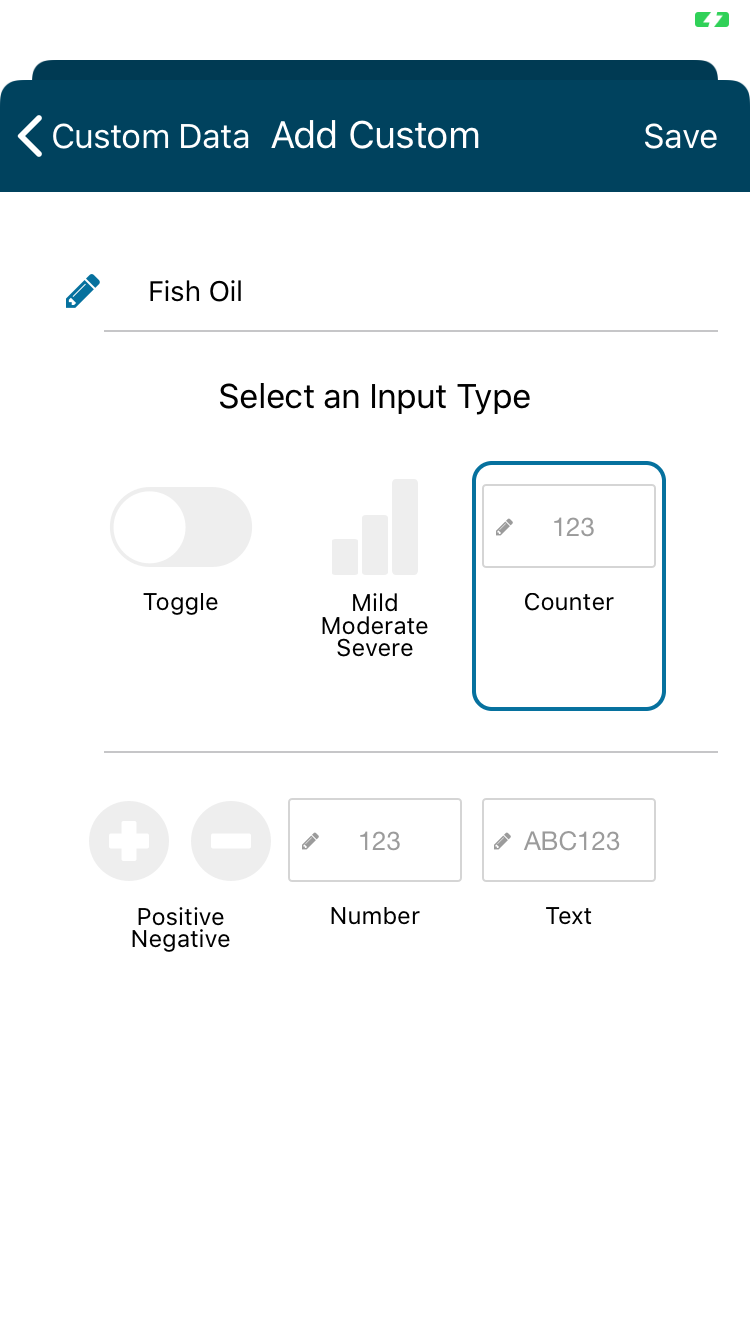
- Counter is a great way to keep track of how many vitamins or medicine taken or how many glasses of water you’ve had throughout the day.
Input Types Instructions for iOS and Android
iOS Device
Toggle
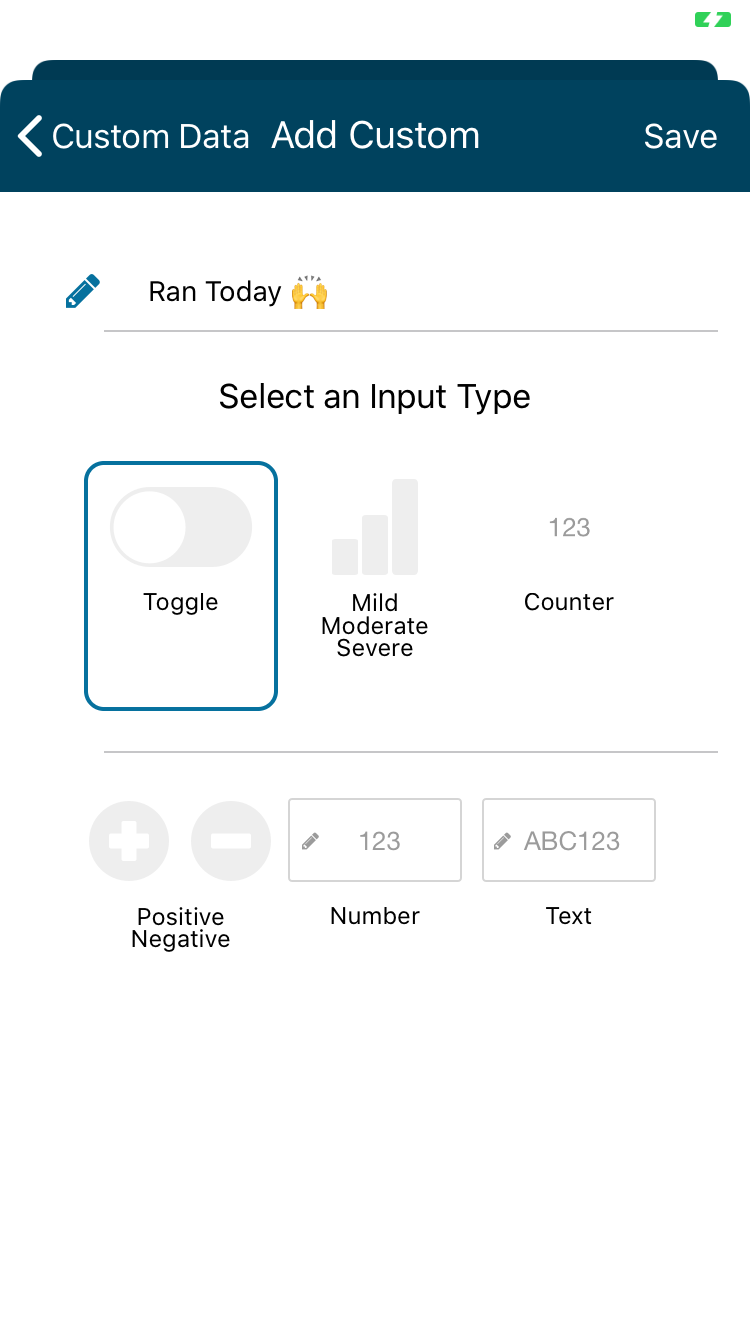
Mild/Moderate/Severe
Positive/Negative
Number Input
Text Input
Counter
____________________________________________________________________________________________________
Andriod device:
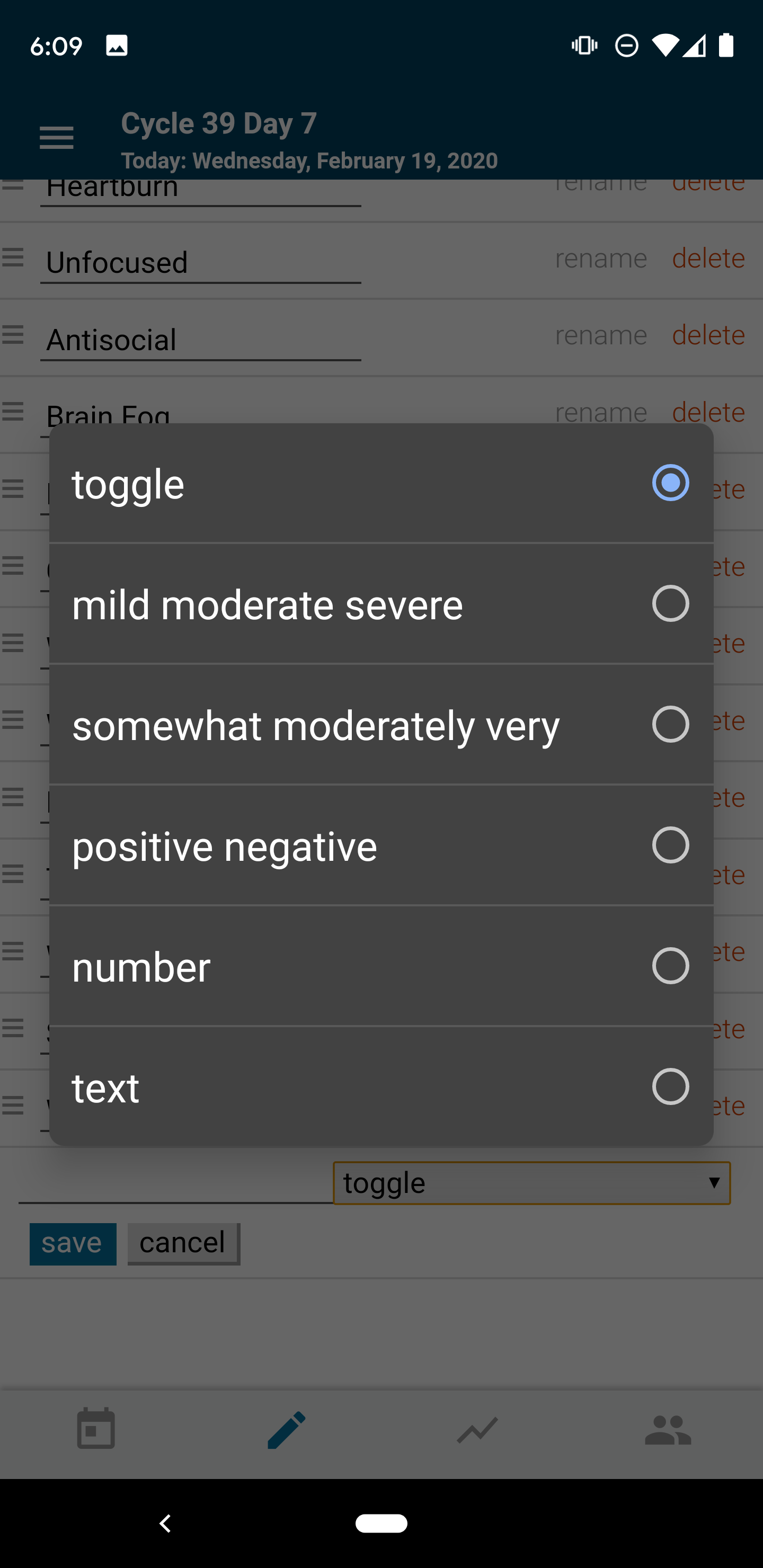
Select the Special Input Types in the popup! (Read more about how to add Custom Data to your Data entry screen (pencil icon) in this article for Android devices!
View your Custom data fields on your Cycle by tapping the Chart View:
Read about how to make the most of your Custom data!